VITURE Beast is the product that makes VITURE’s smart-glasses lineup easiest to understand. Luma Pro is the sensible mainstream pick. Beast is the flagship answer for buyers who keep asking for a bigger field of view, brighter image, stronger screen stability, and fewer compromises when turning a phone, handheld console, or laptop into a private cinema.
That does not mean everyone should buy it. At $549, Beast is no longer a casual accessory. It sits near XREAL One Pro territory and asks the same premium-display question: do you use wearable screens often enough to justify paying extra for the widest, brightest, most stable experience the brand offers?
What VITURE Beast is
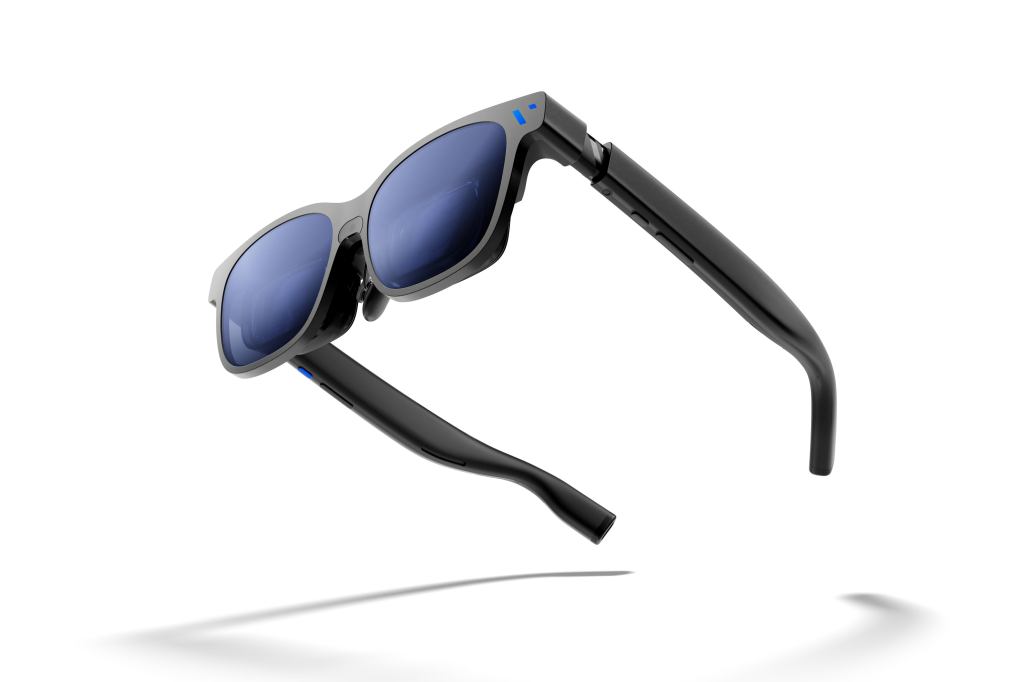
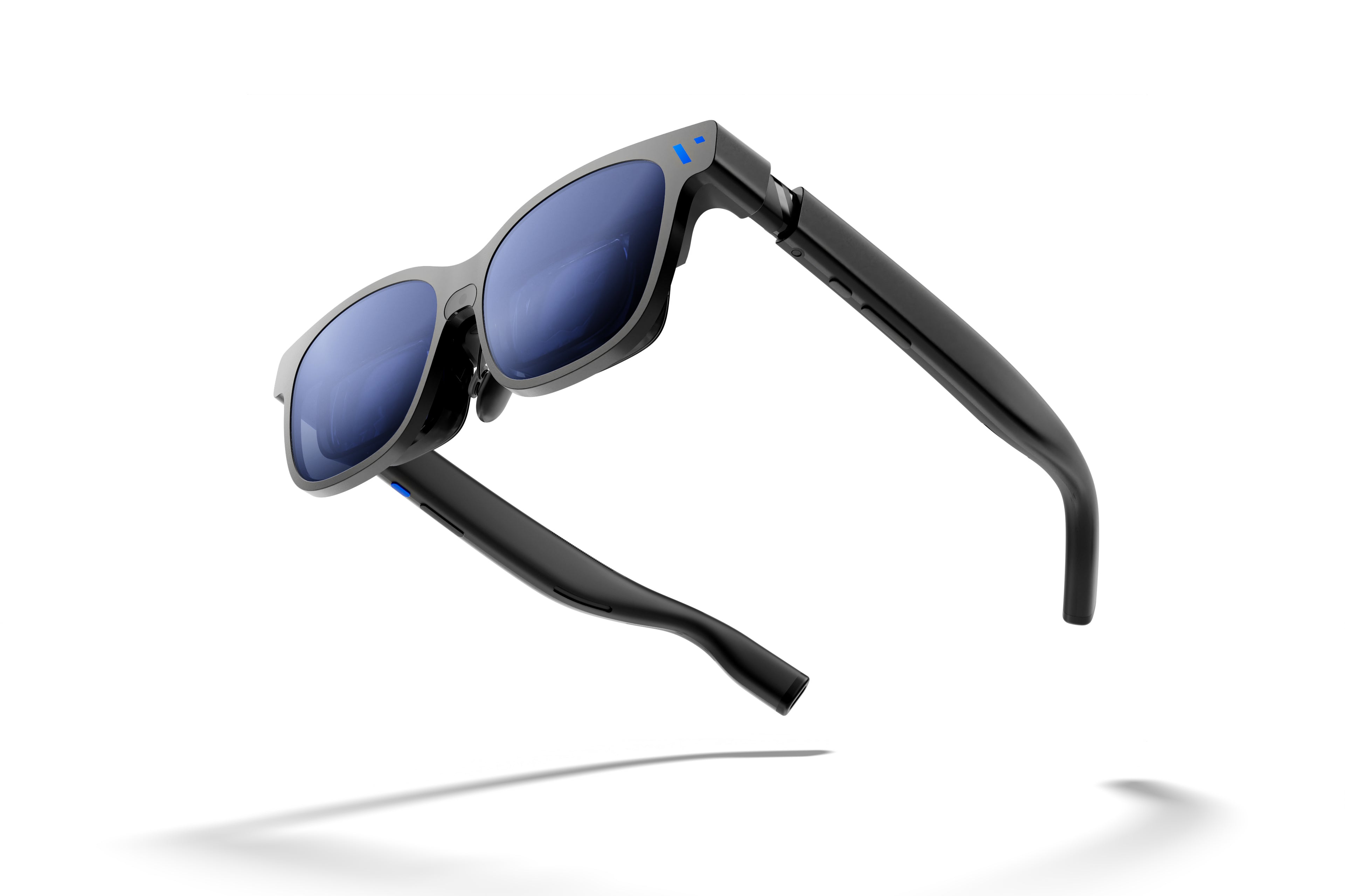
VITURE Beast XR Glasses are flagship AR display glasses. The official VITURE product page lists them at $549 in the U.S. and describes a 174-inch virtual display at 4 meters, 58-degree field of view, up to 1200p resolution, 120Hz refresh rate, up to 1250 nits perceived brightness, built-in VisionPair 3DoF, dynamic electrochromic tint control, HARMAN audio, and a premium aluminum-magnesium frame.
Like XREAL and other display glasses, Beast is not a standalone VR headset. It connects to compatible source devices and turns their output into a large wearable screen. The source device still does the computing. Beast focuses on the visual layer, comfort, screen stabilization, audio, dimming, and software-assisted display modes.
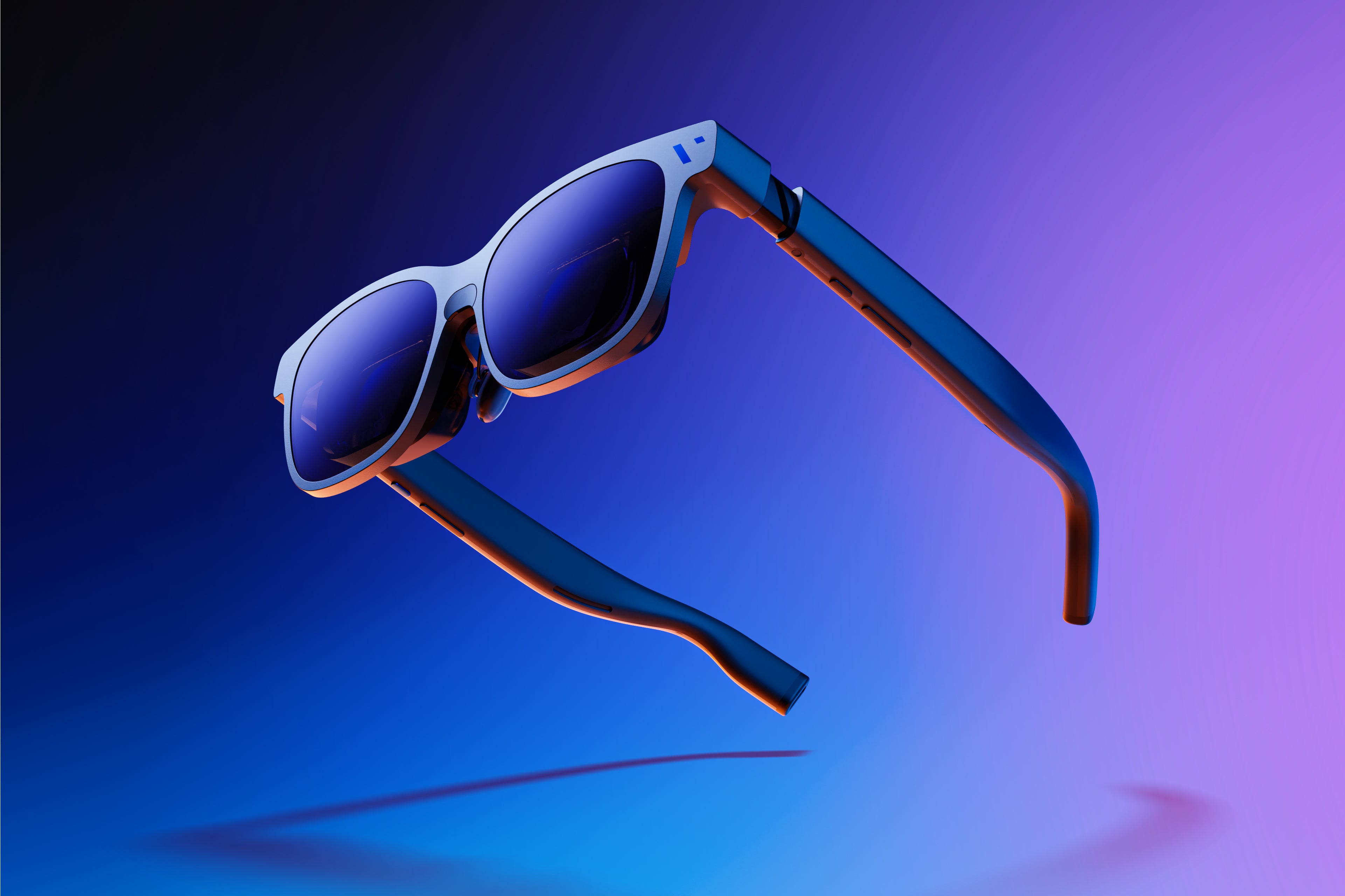
The core specs that matter
- Current official price: $549 on VITURE’s U.S. product page at the time checked.
- Virtual screen claim: 174-inch display at 4 meters.
- Field of view: 58 degrees, wider than VITURE Luma Pro and XREAL 1S.
- Resolution: up to 1200p, with VITURE noting 1200p support timing around accessory compatibility.
- Refresh rate: 120Hz.
- Brightness: up to 1250 nits perceived brightness.
- Tracking: built-in VisionPair 3DoF for anchored and follow-style screen modes.
- Dimming: dynamic electrochromic tint control with more granular levels than basic dimming systems.
- Audio: HARMAN audio, with 3DoF audio features described as arriving after launch.
- Fit: Regular and Large IPD size options instead of built-in myopia adjustment.
The headline is the 58-degree field of view. Display glasses often look similar in photos, but field of view changes how large and immersive the virtual screen feels. XREAL 1S and VITURE Luma Pro sit around 52 degrees. Beast pushes wider, which makes it the VITURE model for buyers who care about screen presence first.

Why built-in 3DoF matters
Earlier display glasses often needed companion software or accessories to make the virtual screen feel anchored. Beast brings VisionPair 3DoF directly into the glasses. That means the screen can stay more stable in space, follow smoothly, or shift into supported display modes with less dependence on external hardware.
This matters because screen stability decides whether wearable displays feel relaxing or tiring. A big screen that floats awkwardly is not a good big screen. VITURE’s flagship pitch is that Beast gives the screen more stability and control while keeping the setup lighter than a full VR headset.
The brightness and dimming story
VITURE’s 1250-nit brightness claim is one of Beast’s clearest spec advantages. More brightness helps in mixed lighting, travel, and daytime rooms, where display glasses can otherwise feel washed out. Brightness alone is not enough, though. The outside world still affects perceived contrast, which is why dimming matters.
Beast uses dynamic electrochromic tint control rather than a simple fixed shade. That gives users more control between awareness and immersion. In plain terms: you can make the lenses more transparent when you need the room, and darker when you want the screen to feel more cinematic.
Best use cases
- Handheld gaming: Steam Deck, ROG Ally, Lenovo Legion Go, and Switch-style setups are the cleanest match.
- Travel movies: the wide field of view and brightness make flights and hotels more compelling.
- Laptop productivity: SpaceWalker and multi-screen workflows make Beast more than a simple mirrored display.
- Phone entertainment: USB-C iPhone and Android users can turn mobile video into a much larger private screen.
- Premium comparison shoppers: anyone choosing between VITURE Beast and XREAL One Pro belongs in this section.
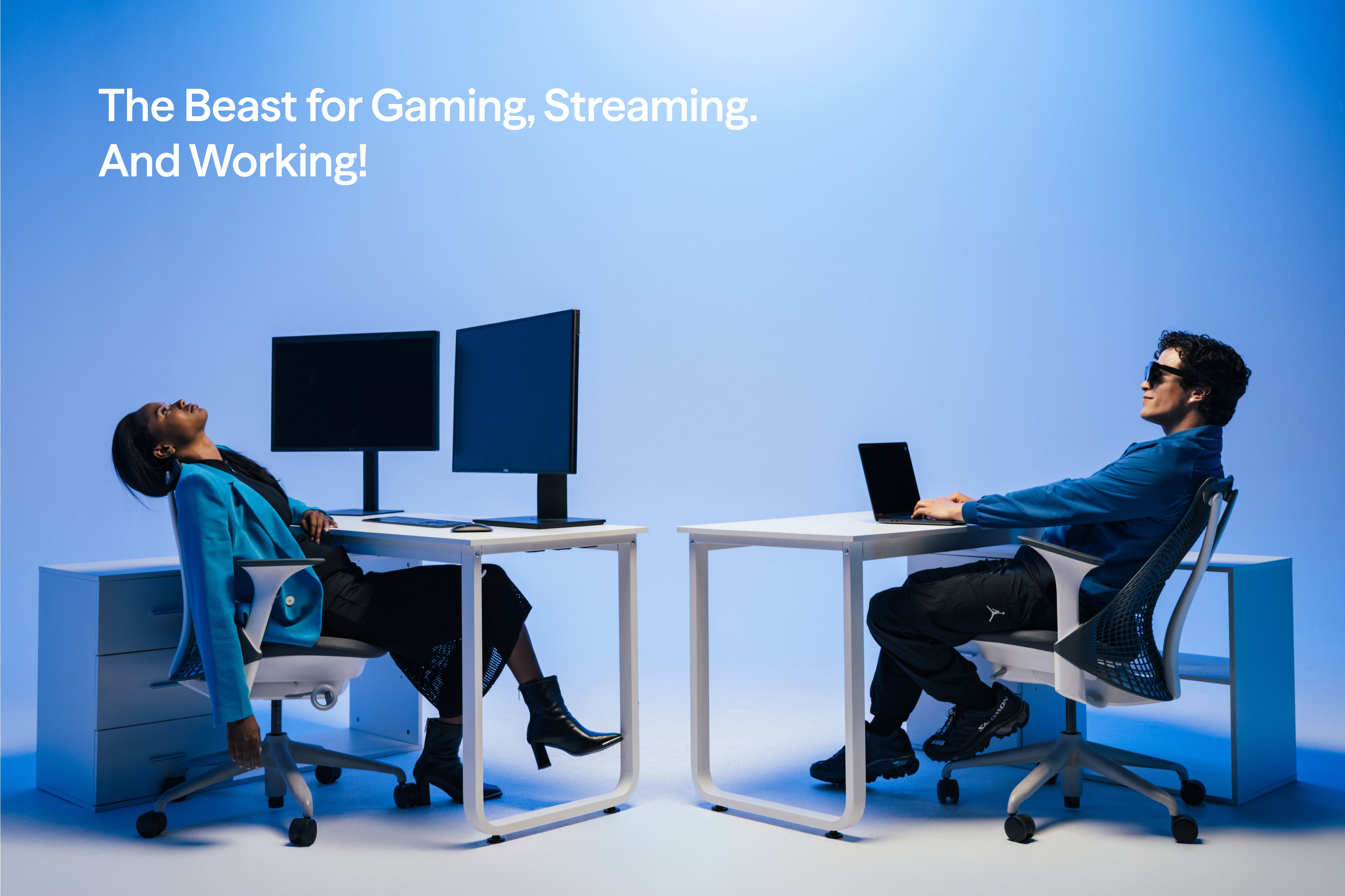
Who should consider VITURE Beast
- Display-glasses enthusiasts who already know they will use wearable screens often.
- Buyers who want the widest VITURE screen and are willing to pay above Luma Pro pricing.
- Travelers and gamers who care more about screen size, brightness, and stability than camera AI features.
- People comparing XREAL One Pro who want a VITURE alternative with SpaceWalker and built-in 3DoF.
- Users with IPD needs near VITURE’s size options who want Regular/Large fit selection.
Who should skip it
- Budget-focused buyers should compare VITURE Luma, Luma Pro, XREAL 1S, or discounted older glasses first.
- People who need built-in myopia adjustment may prefer Luma Pro or should check prescription lens options carefully.
- VR gamers should still buy Meta Quest or another headset for immersive games.
- Camera/AI assistant buyers should look at Ray-Ban Meta, Oakley Meta, or Rokid Style instead.
- Comfort-sensitive buyers should notice that flagship optics and metal build can mean more weight than simpler models.
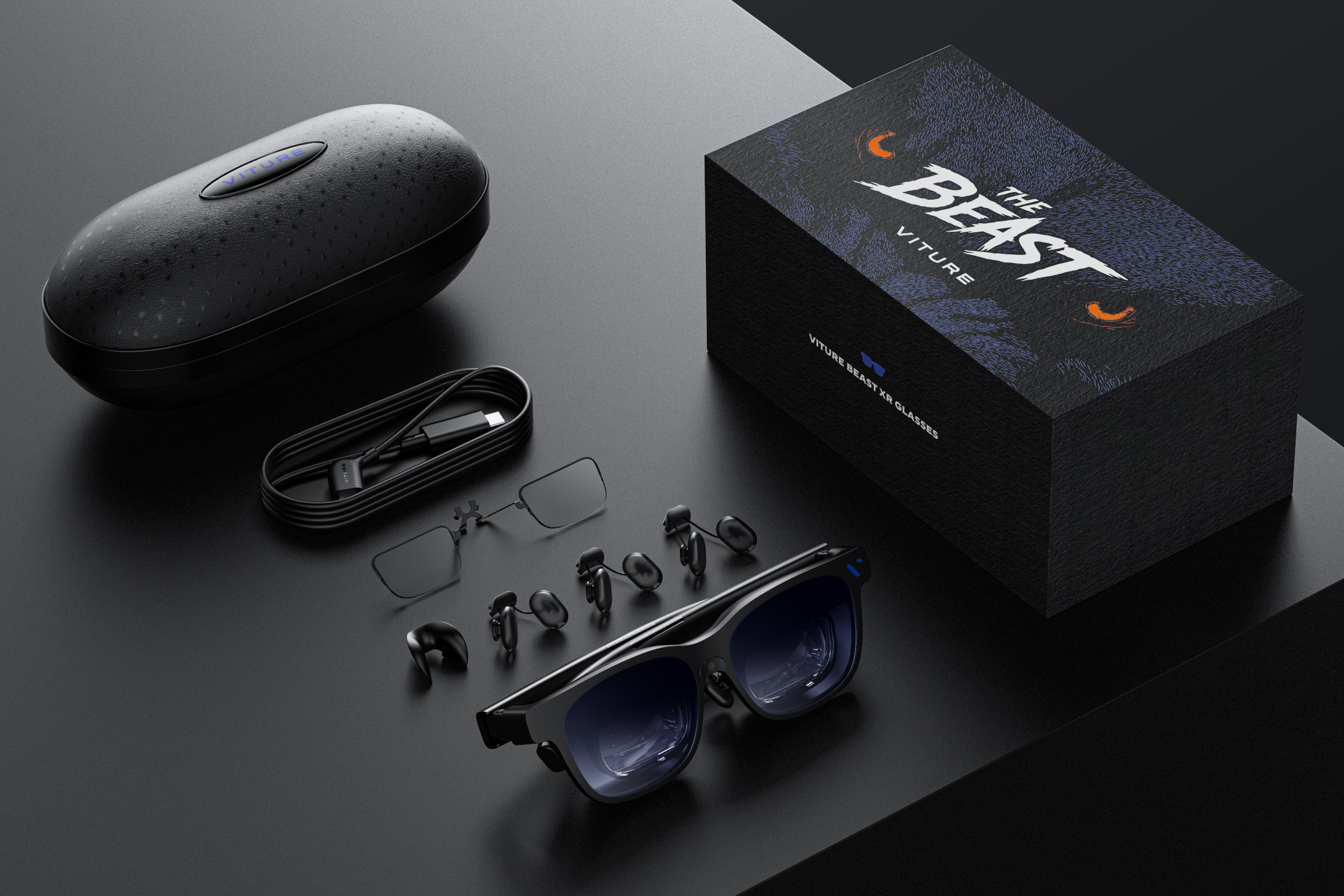
VITURE Beast vs Luma Pro
Luma Pro is the practical VITURE pick. It has a strong 1200p display, 52-degree field of view, 1000-nit brightness, SpaceWalker support, HARMAN audio, myopia adjustment, and a lower price. Beast is the premium pick. It pushes the field of view to 58 degrees, brightness to 1250 nits, adds built-in VisionPair 3DoF, and moves into a more serious flagship frame.
The buying rule is simple. Choose Luma Pro if you want strong value and a safer first display-glasses purchase. Choose Beast if the display is the entire reason you are buying and you want VITURE’s biggest current screen experience.
VITURE Beast vs XREAL One Pro
This is the premium fight. XREAL One Pro has a 57-degree field of view, X1 chip, strong optics, 120Hz display, 700-nit perceived brightness, Bose audio, and optional IPD sizing. Beast counters with a 58-degree field of view, 1250-nit perceived brightness, built-in VisionPair 3DoF, dynamic tint control, HARMAN audio, SpaceWalker, and Regular/Large sizing.
XREAL’s story is chip-driven spatial display control and refined optics. VITURE’s story is brightness, software ecosystem, dimming, and a very aggressive flagship screen. Neither product is a casual buy. Both make sense only if you know a wearable screen fits your weekly habits.
VITURE Beast vs Meta Quest
Meta Quest and VITURE Beast solve different problems. Quest is immersive, self-contained, and built for VR games, fitness, mixed reality, and room-scale interaction. Beast is a wearable monitor for another device. It is easier to pack, lighter to wear, and better for flat games and video, but it will not replace the feeling of stepping into a virtual world.
For PlayTechDeep readers, this distinction is the key. Buy Quest when the app itself needs VR. Buy Beast when the content is already on a phone, laptop, console, or handheld and the screen is the problem.
Bottom line
VITURE Beast is not the value pick. It is the flagship pick. The 58-degree field of view, 1250-nit brightness, built-in VisionPair 3DoF, dynamic dimming, HARMAN audio, and SpaceWalker ecosystem make it one of the most serious wearable-display products in the current smart-glasses market.
The right buyer is not someone who wants to try smart glasses once. The right buyer is someone who already knows they want a private screen for gaming, travel, streaming, and laptop use, and who wants that screen to feel as large and stable as possible without putting on a VR headset.
Continue Reading
If this guide helped, these related smart glasses articles are the best next stops.
- Best AR Display Glasses for Movies and Gaming: XREAL, VITURE, RayNeo, and Rokid ComparedA U.S.-focused AR display glasses comparison for movies, gaming, travel, and laptop use, covering…
- XREAL One Pro Guide: The AR Display Glasses for Gaming, Travel, and a Huge Portable ScreenA U.S.-focused XREAL One Pro guide covering the $649 price, 57-degree field of view, X1 chip…
- VITURE Luma Pro Guide: The 1000-Nit XR Glasses Built for Gaming, Movies, and TravelA U.S.-focused VITURE Luma Pro guide covering the current price, 1200p display, 52-degree field of…
- RayNeo Air 4 Pro Guide: The $299 HDR10 Display Glasses for Gaming and StreamingA U.S.-focused RayNeo Air 4 Pro guide covering the $299 price, HDR10 support, 1200-nit brightness…