Rokid AR Spatial is the smart-glasses pick for readers who keep asking for something closer to a lightweight spatial-computing kit instead of a simple wearable monitor. RayNeo Air 4 Pro is the budget screen. XREAL 1S is the cleaner mainstream display-glasses buy. VITURE Beast is the flagship cinema screen. Rokid AR Spatial adds a separate host device, Station 2, to make the glasses feel more like a portable multi-window workspace.
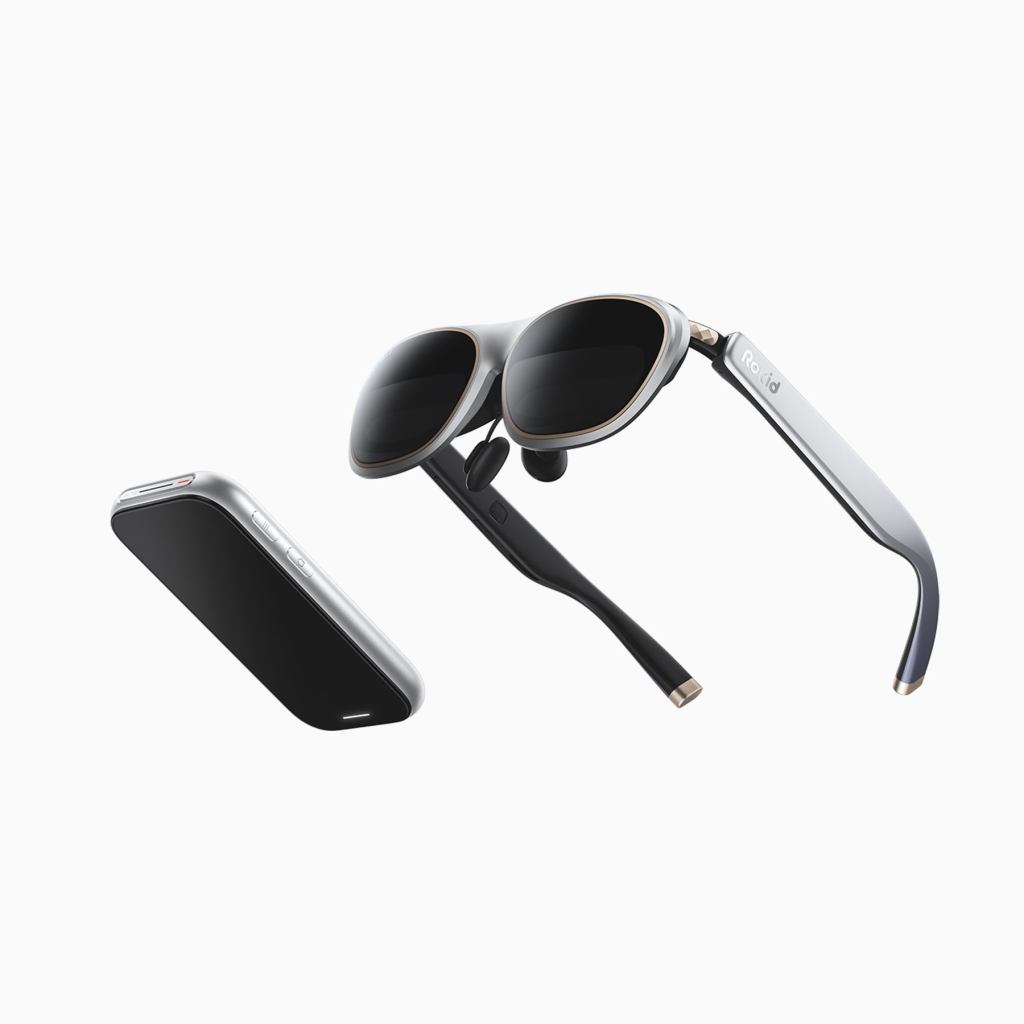
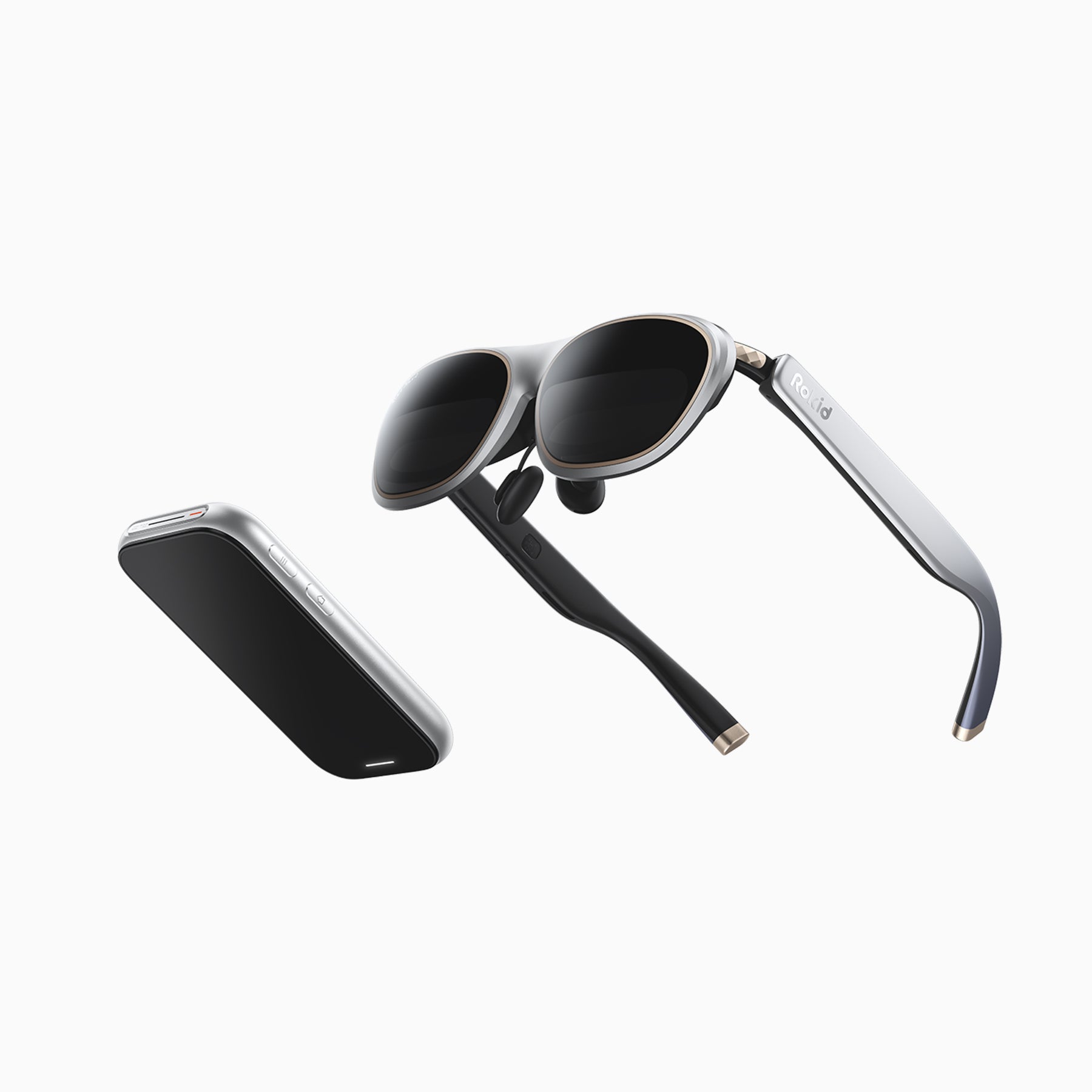
That extra device is the whole point. Rokid AR Spatial is not just glasses. It is a combination of Rokid Max 2 AR glasses and Rokid Station 2. Older coverage often calls the package Rokid AR Lite, while Rokid’s current global shop presents it as Rokid AR Spatial. The names can be confusing, but the buying idea is simple: glasses for the display, Station 2 for the spatial interface.
What Rokid AR Spatial is
Rokid AR Spatial is a display-glasses system built around Max 2 glasses and Station 2. Rokid’s current global product data lists the AR Spatial bundle at $538 with a $698 compare-at price at the time checked, while separate Station 2 and Max 2 options are also listed. Prices and bundles have shifted over time, so buyers should treat the current cart price as the final source before ordering.
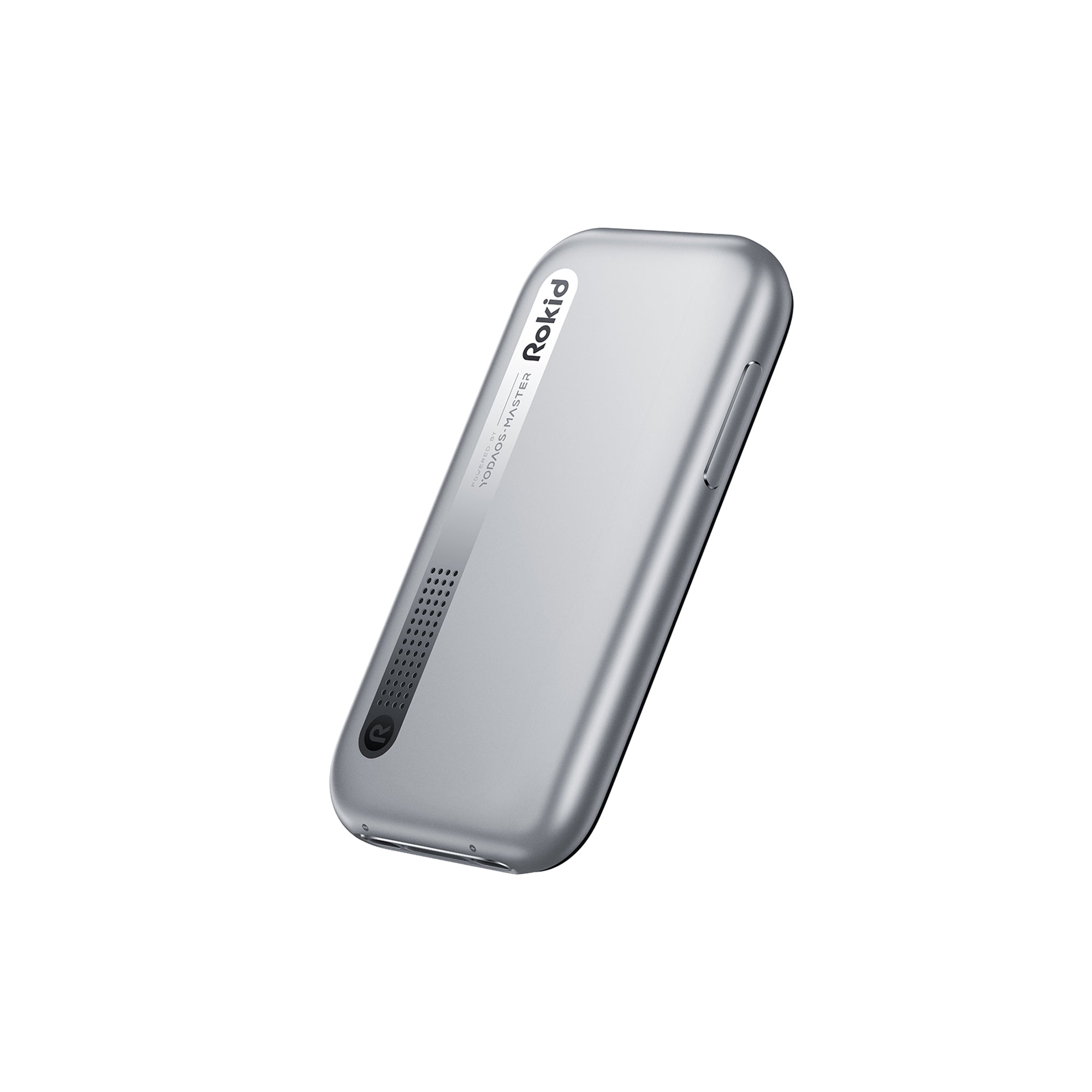
The system targets movies, games, productivity, multi-window work, and spatial casting. The glasses provide the Micro-OLED display. Station 2 provides YodaOS-Master, storage, battery, touch controls, wireless connectivity, and 3DoF spatial interaction.
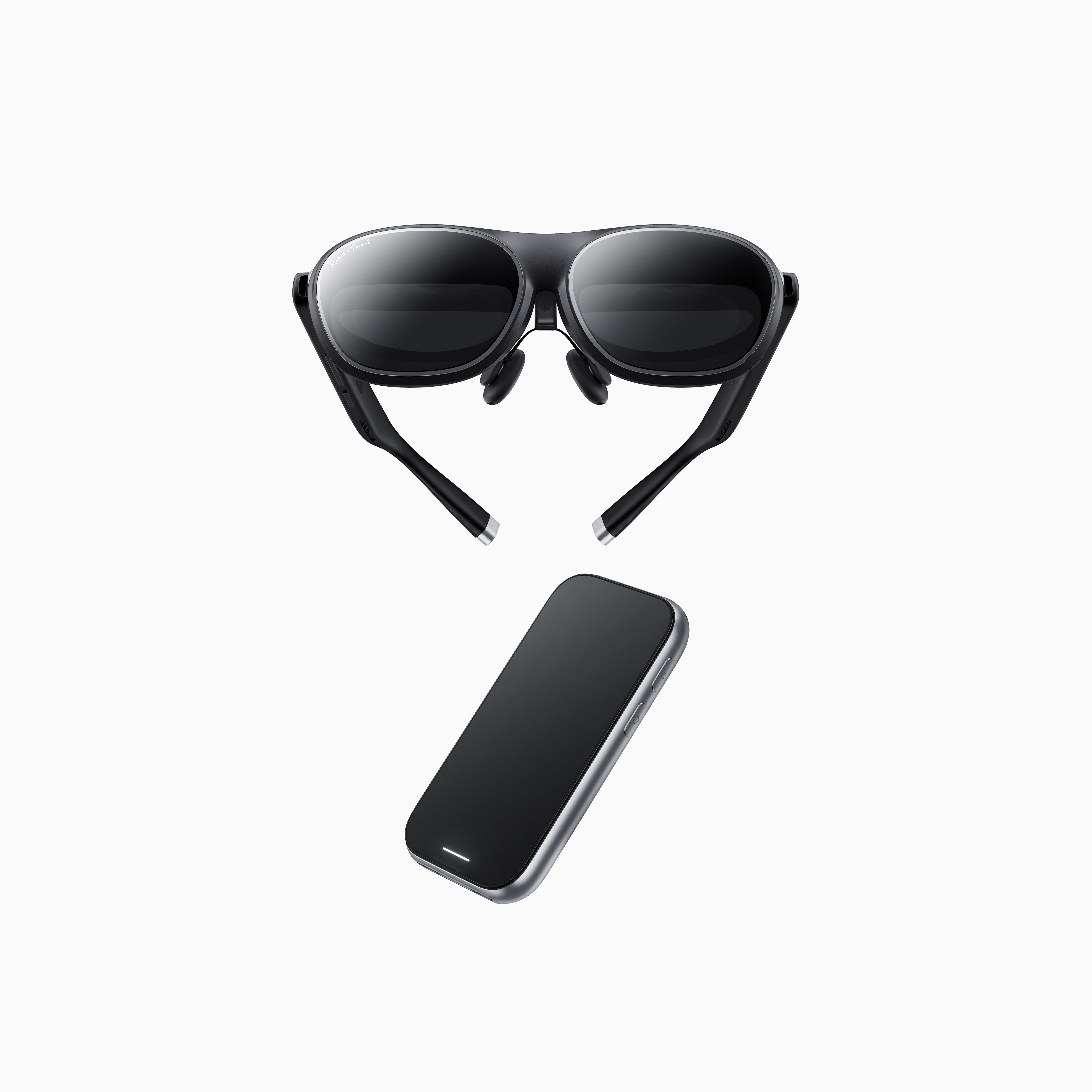
The core specs that matter
- Current official bundle price: $538 on Rokid’s global product data at the time checked, with pricing subject to promotion and region.
- System: Rokid Max 2 glasses plus Rokid Station 2 host unit.
- Virtual display: 300-inch class multi-screen experience in current Rokid AR Spatial messaging; older AR Lite pages also mention a 360-inch visible diagonal claim.
- Display: Sony 0.68-inch Micro-OLED, 1200p-class output according to Rokid and third-party coverage.
- Field of view: about 50 degrees.
- Brightness: up to 600 nits perceived brightness.
- Glasses weight: about 75 grams.
- Vision adjustment: myopia adjustment from 0.00D to -6.00D and IPD adjustment support.
- Station 2: 8GB RAM, 128GB storage, Wi-Fi 6, Bluetooth 5.2, 5000mAh battery, dual USB-C ports, and 18W fast charging in Rokid’s specs.
- Software: YodaOS-Master spatial operating system.
The key difference from most display glasses is not just display quality. It is the combination of optics, myopia/IPD adjustment, and a dedicated compute/control unit. If you want the lowest friction plug-in screen, this may be too much. If you want a more complete spatial setup, that extra hardware is the appeal.
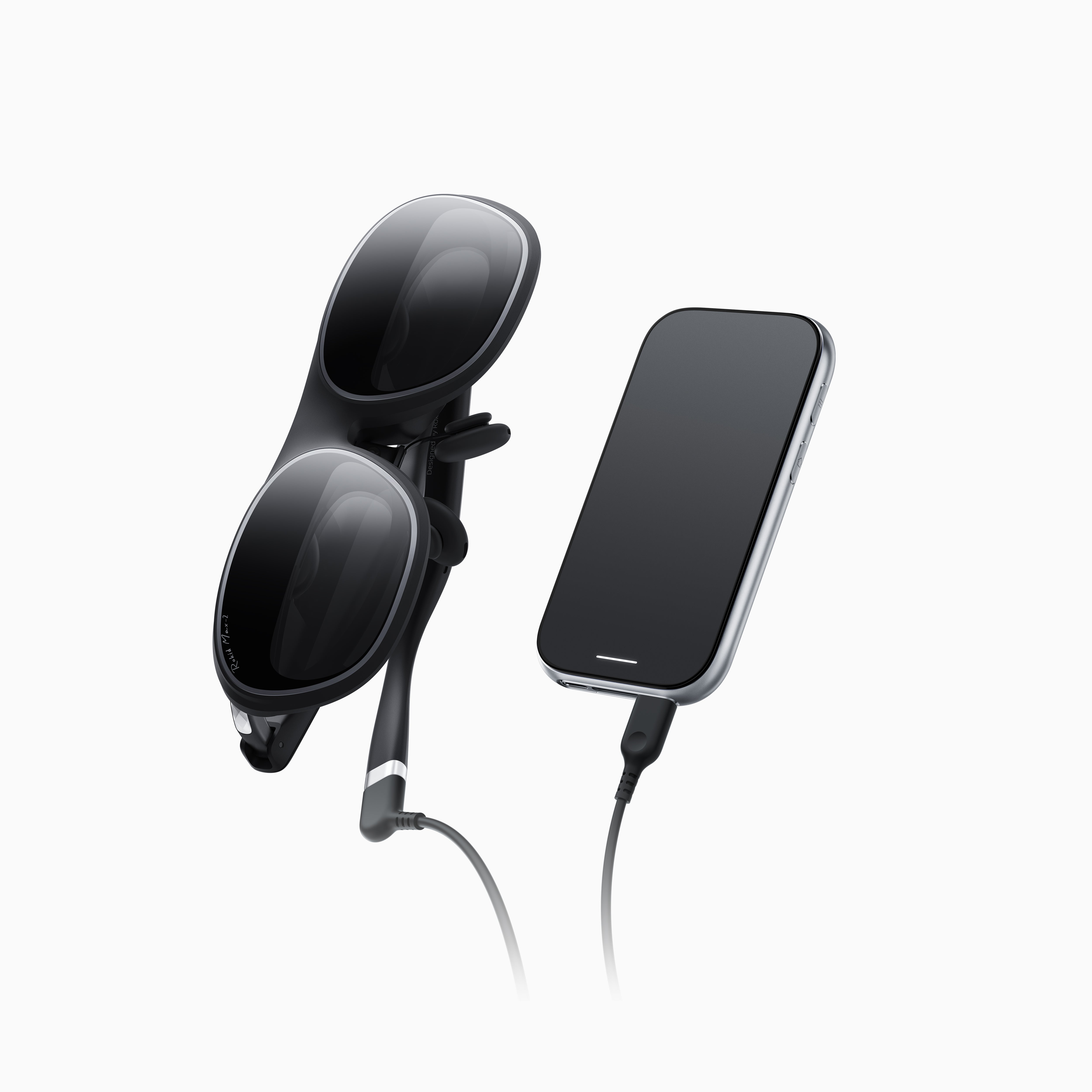
Why Station 2 changes the category
Station 2 makes Rokid AR Spatial feel different from glasses that simply mirror a phone or handheld console. It provides an interface built for multi-screen use, app access, wireless peripherals, spatial controls, and DRM/HDCP streaming support depending on app mode. Rokid describes it as the host unit for the AR Spatial experience rather than a mere adapter.
That makes the product more complicated, but also more ambitious. A simple pair of glasses can show your Steam Deck or phone. Rokid AR Spatial tries to be a portable spatial computer with a 3DoF workspace, media hub, and screen system that can travel with you.
Where Max 2 still matters
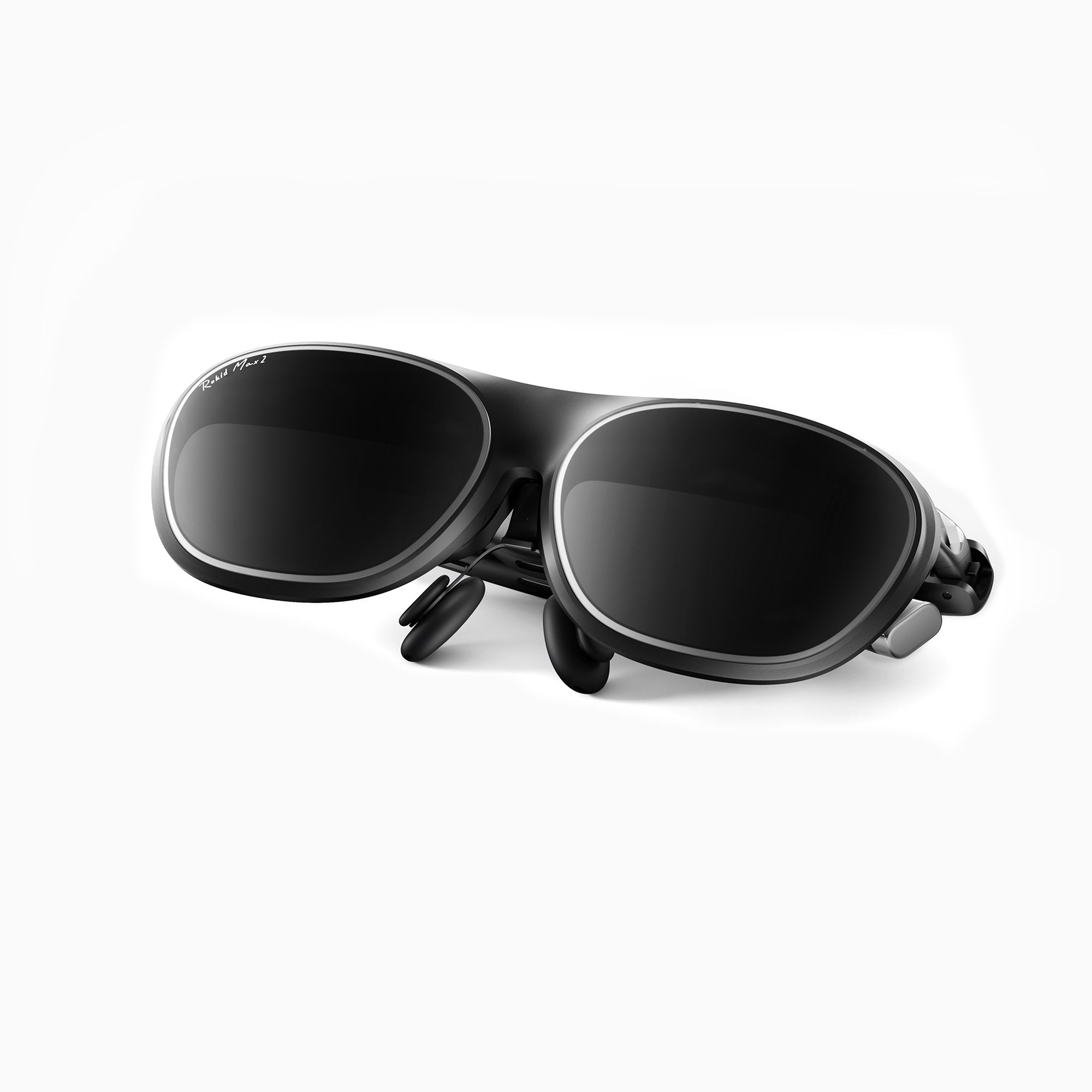
The glasses themselves are still crucial. Max 2 weighs about 75 grams and includes myopia correction and IPD adjustment. That matters because display glasses fail quickly when the image is not aligned with your eyes. Many budget glasses skip deep fit adjustment; Rokid makes this one of the headline reasons to consider the system.
NotebookCheck’s original AR Lite coverage highlighted the 50-degree field of view, 1200p output, 90Hz refresh, 600-nit brightness, and Sony Micro-OLED panels. Tom’s Guide later praised the image quality and spatial computing experience while calling out the high price and Station 2 limitations. That is the product in miniature: impressive display and spatial ambition, with more setup friction than a simple cable-only screen.
Best use cases
- Portable multi-screen work: Station 2 and YodaOS make this more plausible than with basic display glasses.
- Travel entertainment: movies and streaming benefit from a dedicated host instead of draining a phone.
- Light productivity: keyboard and mouse pairing can make the system feel like a compact workspace.
- Gaming: Steam Deck, Switch-style devices, phones, and laptops can fit into the broader Rokid setup.
- Vision-adjustment buyers: myopia and IPD adjustment may be decisive for people who struggle with fixed-optic glasses.
Who should consider Rokid AR Spatial
- Buyers who want more than mirroring and are interested in multi-window spatial computing.
- Frequent travelers who want one kit for movies, work, and casual gaming.
- Nearsighted users who value the 0.00D to -6.00D adjustment range.
- People who dislike phone-dependent setups and want a dedicated host device.
- Display-glasses enthusiasts who already know they will use wearable screens often.
Who should skip it
- Budget buyers should compare RayNeo Air 4 Pro or discounted XREAL/VITURE options first.
- People who want one cable and done may find Station 2 unnecessary.
- VR gamers should still buy Meta Quest for immersive apps.
- Camera/AI glasses buyers should consider Ray-Ban Meta, Rokid Style, or Even G2 instead.
- Buyers who mainly watch movies may not need the full spatial kit if a simpler display pair is enough.
Rokid AR Spatial vs RayNeo Air 4 Pro
RayNeo Air 4 Pro is the value display. It costs far less, supports HDR10, and works well as a private screen for gaming and streaming. Rokid AR Spatial is more expensive and more complex, but it adds Station 2, YodaOS, myopia/IPD adjustment, and a stronger multi-screen story.
Choose RayNeo if you want a cheap big screen. Choose Rokid AR Spatial if you want the host device and spatial workspace to be part of the purchase.
Rokid AR Spatial vs XREAL 1S
XREAL 1S is cleaner and more direct: newer mainstream display glasses with the X1 chip, Real 3D, and a strong wearable-screen ecosystem. Rokid AR Spatial is more of a kit. It asks you to carry Station 2, but rewards that with a dedicated spatial interface and multi-window ambitions.
The right choice depends on your tolerance for setup. XREAL 1S is the simpler recommendation for most buyers. Rokid AR Spatial is more interesting for people who want a portable computing environment, not just a screen.
Rokid AR Spatial vs VITURE Beast
VITURE Beast is the premium wearable-screen option: wider 58-degree field of view, stronger brightness claim, built-in 3DoF, SpaceWalker, and flagship display hardware. Rokid AR Spatial counters with Station 2 and a more self-contained multi-screen operating environment.
If the display itself is everything, VITURE Beast is easier to understand. If you want a host-driven spatial kit, Rokid’s approach may be more compelling.
Rokid AR Spatial vs Meta Quest
Meta Quest is immersive and app-first. Rokid AR Spatial is display-first and productivity-adjacent. Quest tracks your room, hands, controllers, and VR apps. Rokid gives you a large personal display system with spatial windows. They overlap only at the edges.
For PlayTechDeep readers, the decision is practical. Buy Quest for VR games and mixed reality. Buy Rokid AR Spatial if your main goal is turning flat apps, video, and work windows into a portable visual environment.
Bottom line
Rokid AR Spatial is not the simplest smart-glasses buy, and that is both its weakness and its strength. It costs more than budget display glasses, requires Station 2, and asks the buyer to care about a separate operating environment. In return, it offers a more complete multi-screen spatial setup than ordinary plug-in glasses.
If RayNeo Air 4 Pro is the budget screen and VITURE Beast is the premium cinema display, Rokid AR Spatial is the portable spatial-computing kit. It is the right product to consider when you want glasses plus a dedicated brain, not just glasses plus a cable.
Continue Reading
If this guide helped, these related smart glasses articles are the best next stops.
- Best AR Display Glasses for Movies and Gaming: XREAL, VITURE, RayNeo, and Rokid ComparedA U.S.-focused AR display glasses comparison for movies, gaming, travel, and laptop use, covering…
- XREAL One Pro Guide: The AR Display Glasses for Gaming, Travel, and a Huge Portable ScreenA U.S.-focused XREAL One Pro guide covering the $649 price, 57-degree field of view, X1 chip…
- VITURE Luma Pro Guide: The 1000-Nit XR Glasses Built for Gaming, Movies, and TravelA U.S.-focused VITURE Luma Pro guide covering the current price, 1200p display, 52-degree field of…
- RayNeo Air 4 Pro Guide: The $299 HDR10 Display Glasses for Gaming and StreamingA U.S.-focused RayNeo Air 4 Pro guide covering the $299 price, HDR10 support, 1200-nit brightness…