RayNeo Air 4 Pro is the smart-glasses article for people who do not want to overthink the category. It is not a camera assistant like Ray-Ban Meta. It is not a professional prompt display like Even G2. It is not a premium flagship like VITURE Beast or XREAL One Pro. It is a $299 wearable screen built for one simple question: can gaming and streaming look good on your face without spending $500 or more?
That makes Air 4 Pro important for first-time buyers. Many people are curious about AR display glasses, but they do not know whether the habit will stick. A lower price changes the risk. If the glasses mostly become your travel movie screen, Steam Deck display, Switch 2 companion, or hotel-room streaming setup, the purchase is easier to justify.
What RayNeo Air 4 Pro is
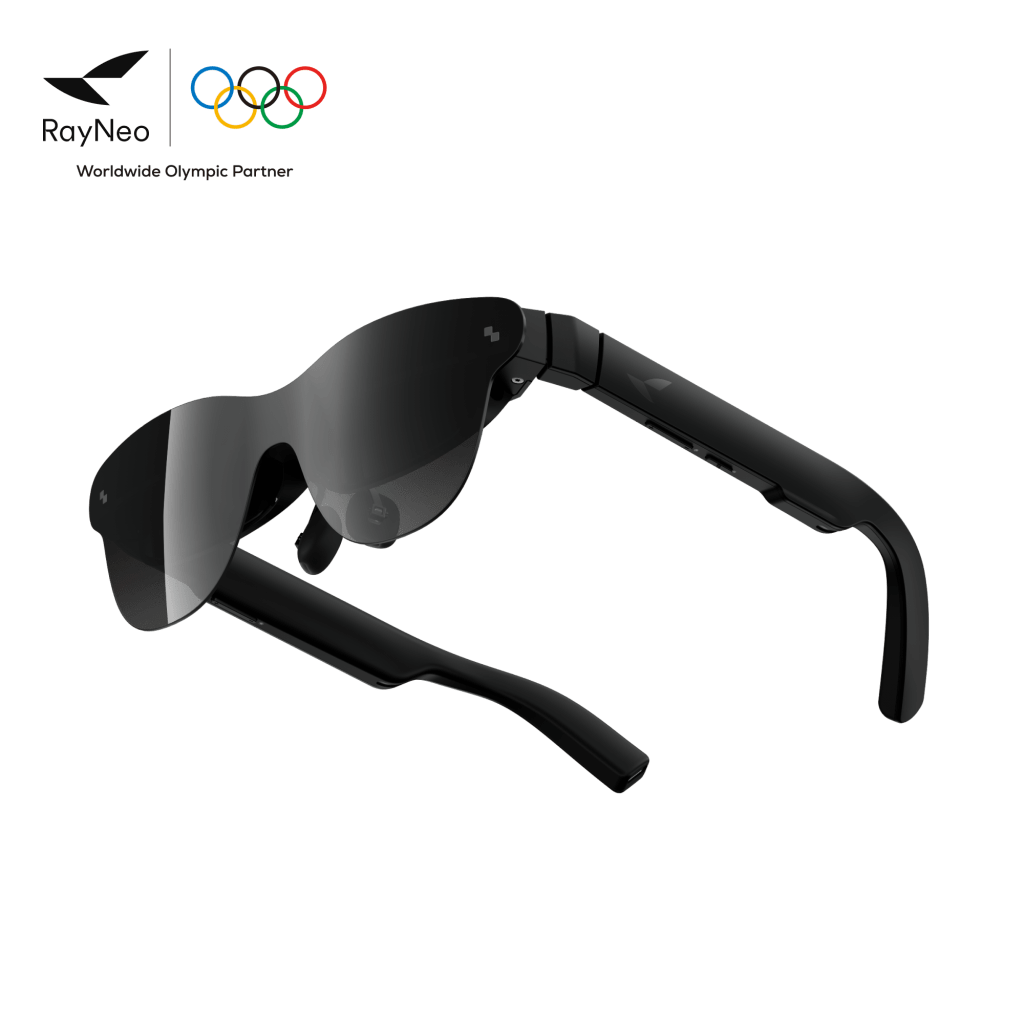
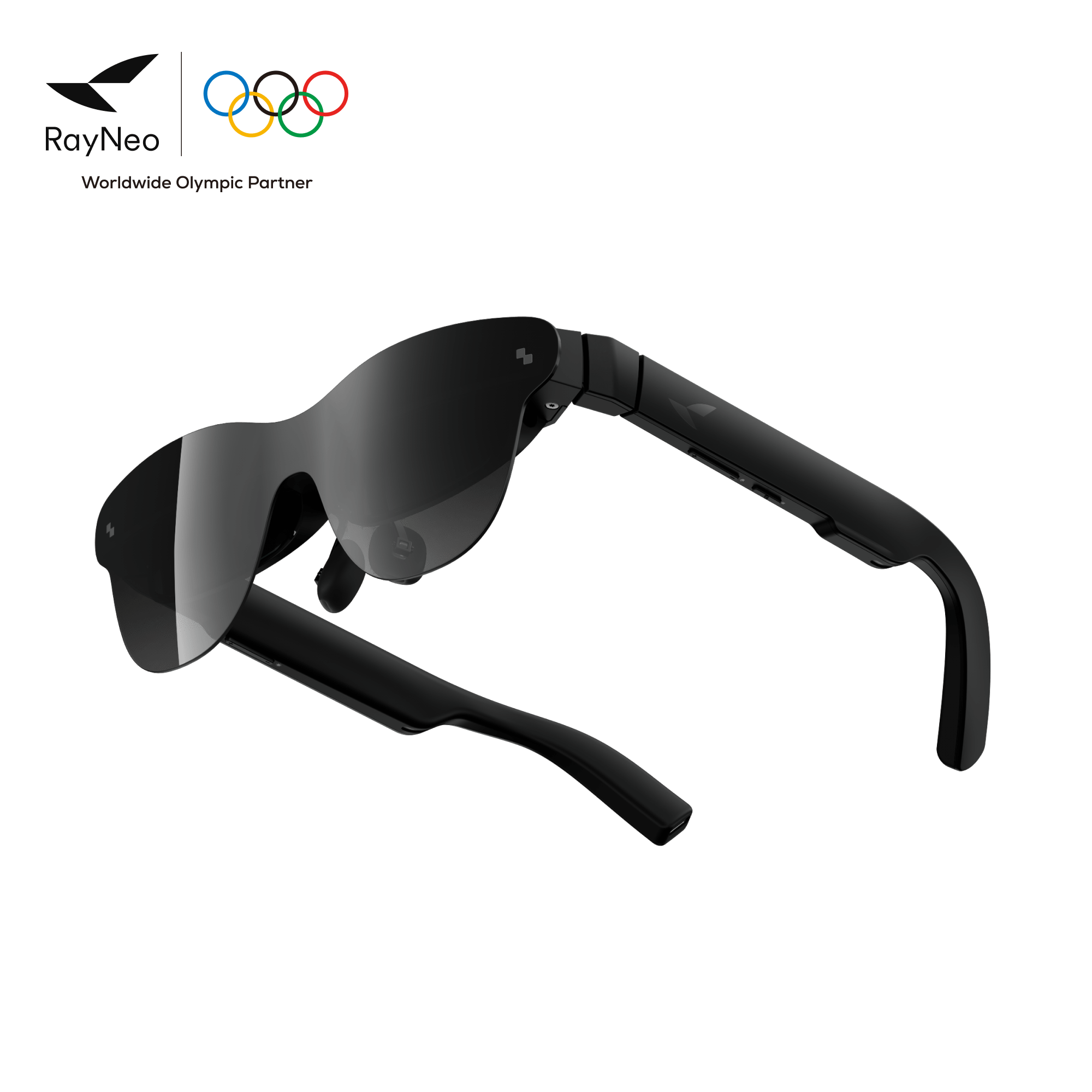
RayNeo Air 4 Pro is a pair of display-focused AR glasses. The official RayNeo product page currently lists it at $299 and describes a 201-inch virtual screen, HDR10 visuals, Bang & Olufsen cinematic sound, USB-C device compatibility, 3D movie support, and gaming support for phones, laptops, Switch-style devices, PlayStation, and other sources when the right adapter path is used.
In practice, that means Air 4 Pro behaves like a portable external monitor. You connect a compatible device, and the glasses show that device’s video output in front of your eyes. The glasses do not run VR apps by themselves. They do not replace Meta Quest. They make flat content feel larger and more private.
The core specs that matter
- Current official price: $299 on RayNeo’s product page at the time checked.
- Display: 1920 x 1080 per eye, according to Tom’s Hardware review coverage.
- Refresh rate: up to 120Hz.
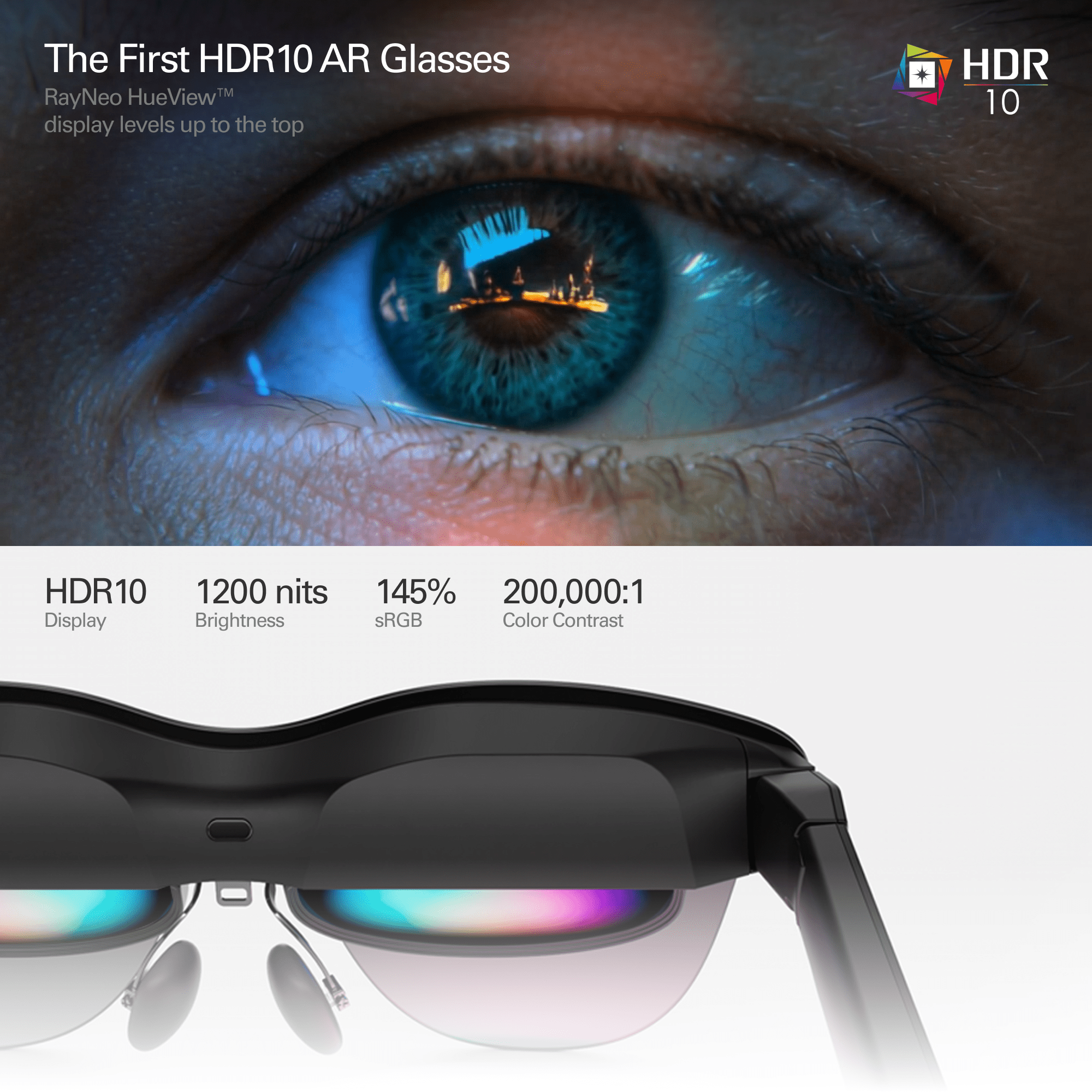
- HDR: HDR10 support, positioned by RayNeo and reviewers as a category first.
- Brightness: up to 1200 nits perceived brightness in review and launch coverage.
- Virtual screen claim: 201-inch display at 6 meters.
- Field of view: 47 degrees according to Tom’s Hardware measurements/spec table.
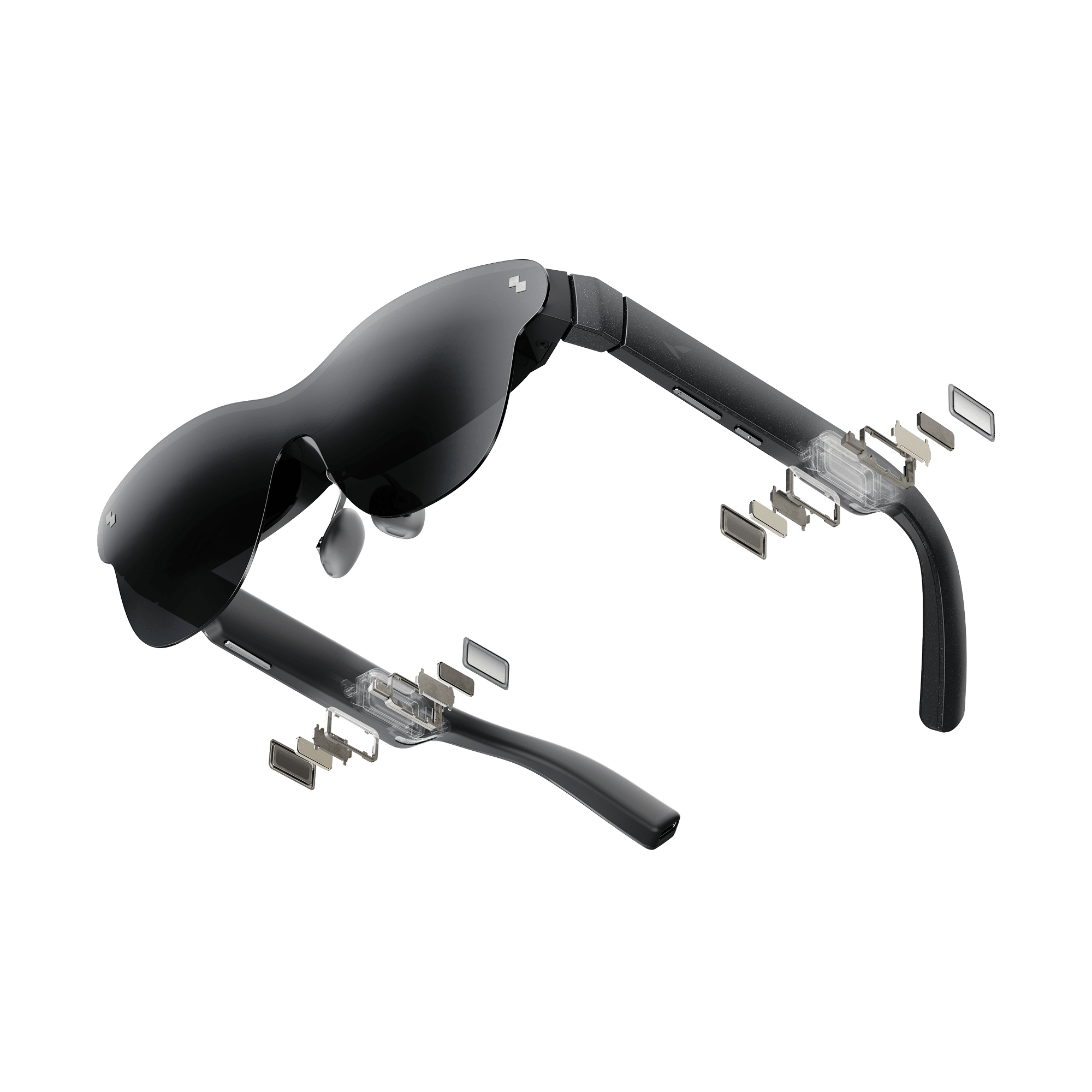
- Audio: quad open-air speakers tuned with Bang & Olufsen.
- Weight: about 76 grams.
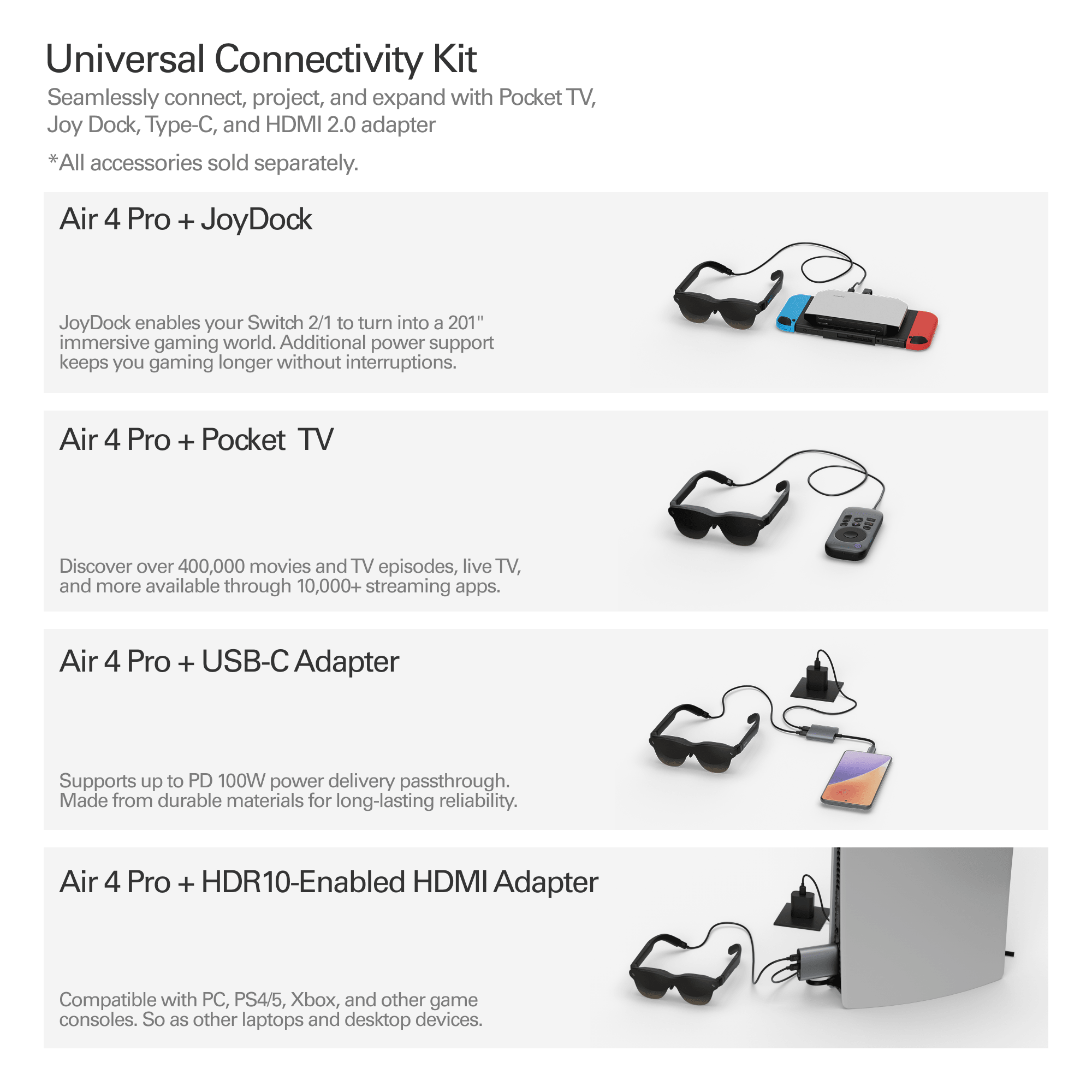
- Connection: USB-C video input, with adapters needed for some consoles and HDMI sources.
The field of view is not as wide as XREAL 1S, VITURE Luma Pro, or VITURE Beast. That is the compromise. The price, HDR10 support, brightness, 120Hz refresh, and B&O-tuned audio are the reasons to keep it on the shortlist anyway.
HDR10 is the headline feature
HDR10 is the feature that makes Air 4 Pro more interesting than a normal budget display-glasses refresh. Tom’s Guide called out the glasses as a strong HDR10 streaming and gaming option at $299, while Tom’s Hardware noted RayNeo’s Vision 4000 chip, HDR10 support, and improved audio as the main upgrades over earlier Air models.
For buyers, the practical value is simple. HDR content can show brighter highlights, stronger contrast, and richer color than standard SDR content when the source, app, and display pipeline cooperate. That matters for movies, high-contrast games, and YouTube HDR clips. It is not magic, but it is exactly the kind of feature that makes a wearable screen feel less cheap.
Gaming and streaming are the cleanest use cases
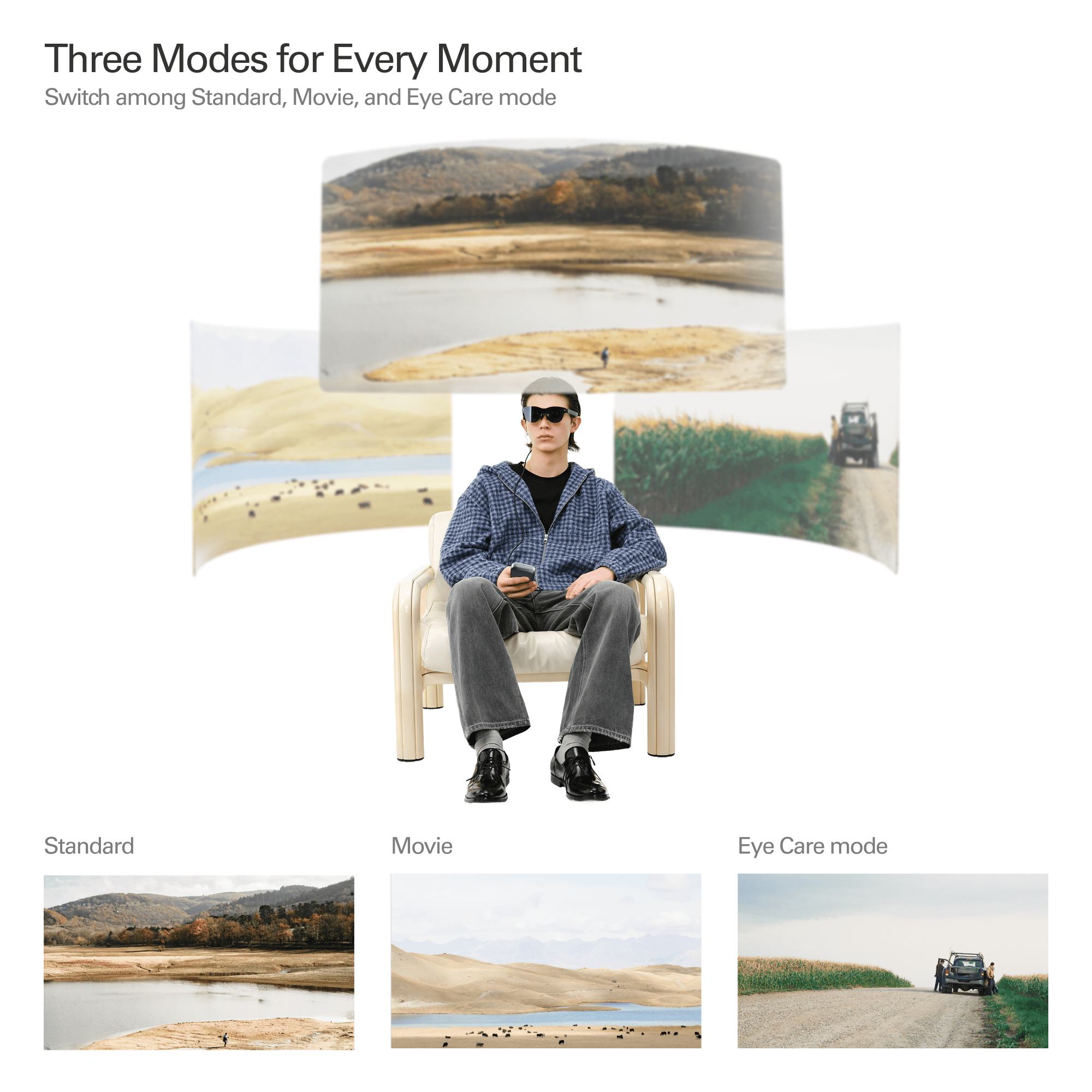
RayNeo Air 4 Pro makes the most sense with flat content. Handheld gaming, cloud gaming, mobile video, laptop movies, and console play through an adapter all fit the product’s strengths. You are not looking for spatial computing miracles. You are looking for a big private display that fits in a bag.
That is also why the included light blockers matter. Tom’s Hardware specifically praised RayNeo for finally including light blockers in the box. At this price, you do not get premium electrochromic dimming like some VITURE or XREAL models. A practical blocker is the cheaper solution, and for movies or gaming in bright rooms it can be the difference between usable and annoying.
Where the low price shows
The tradeoffs are real. Tom’s Guide liked the price-to-performance but criticized cheaper-feeling build quality, some edge blur, and the lack of IPD adjustment. Tom’s Hardware also described the case and material feel as average. Those are not small issues if you expect premium eyewear.
This is the honest way to think about Air 4 Pro: buy it for the screen value, not luxury. If you want the cleanest optics, strongest frame, best spatial modes, or widest field of view, spend more. If you want an accessible first pair for video and gaming, the compromises are easier to accept.
Who should consider RayNeo Air 4 Pro
- First-time AR display-glasses buyers who want a lower-risk entry point.
- Handheld gaming users who want a larger private display for Steam Deck, Switch-style devices, or USB-C sources.
- Movie and streaming fans who care about HDR10 at a budget-friendly price.
- Travelers who want a portable screen without packing a headset or monitor.
- Buyers comparing XREAL and VITURE who keep coming back to price.
Who should skip it
- Premium optics buyers should compare XREAL One Pro or VITURE Beast.
- People sensitive to edge blur should read hands-on reviews carefully before buying.
- Users who need IPD adjustment may find Air 4 Pro less forgiving.
- VR gamers should still buy Meta Quest for immersive apps.
- Camera/AI glasses buyers should look at Ray-Ban Meta, Oakley Meta, Rokid Style, or Even G2 instead.
RayNeo Air 4 Pro vs XREAL 1S
XREAL 1S is the more polished mainstream display-glasses pick. It has XREAL’s X1 chip, 1200p positioning, a wider 52-degree field of view, Real 3D, and a stronger ecosystem story. RayNeo Air 4 Pro counters with a lower $299 price, HDR10, and surprisingly good entertainment value.
The buying rule is straightforward. Choose XREAL 1S if you want a more complete and current XR display-glasses platform. Choose Air 4 Pro if price matters most and you mainly want video or gaming.
RayNeo Air 4 Pro vs VITURE Luma Pro
VITURE Luma Pro costs more but brings SpaceWalker, 52-degree field of view, 1000-nit brightness, myopia adjustment, and a stronger software ecosystem. Air 4 Pro is less ambitious and more affordable. It does not try to win the software battle. It tries to win the value battle.
If you plan to use display glasses several days a week, Luma Pro may be the better long-term purchase. If you want to test the habit with HDR movies and games, Air 4 Pro is easier to recommend.
RayNeo Air 4 Pro vs Meta Quest
Meta Quest is still the right answer for VR games, fitness, mixed reality, hand tracking, and immersive apps. RayNeo Air 4 Pro is a wearable monitor. It is lighter, simpler, and easier for flat-screen entertainment, but it does not create a virtual room around you.
For PlayTechDeep readers, that distinction is useful. Air 4 Pro is not a Quest replacement. It is a companion category for times when you already have the content and only want a bigger private screen.
Bottom line
RayNeo Air 4 Pro is not the most premium display glasses product in 2026. That is not the point. Its strength is that it brings HDR10, 120Hz, strong brightness, B&O-tuned speakers, light blockers, and broad USB-C display use into a $299 product.
If you are trying to decide whether AR display glasses belong in your life at all, Air 4 Pro is one of the least intimidating ways to find out. It is a budget cinema and gaming screen first, a futuristic computing device second. That clarity is exactly why it earns a place in the smart glasses section.
Continue Reading
If this guide helped, these related smart glasses articles are the best next stops.
- Best AR Display Glasses for Movies and Gaming: XREAL, VITURE, RayNeo, and Rokid ComparedA U.S.-focused AR display glasses comparison for movies, gaming, travel, and laptop use, covering…
- XREAL One Pro Guide: The AR Display Glasses for Gaming, Travel, and a Huge Portable ScreenA U.S.-focused XREAL One Pro guide covering the $649 price, 57-degree field of view, X1 chip…
- VITURE Luma Pro Guide: The 1000-Nit XR Glasses Built for Gaming, Movies, and TravelA U.S.-focused VITURE Luma Pro guide covering the current price, 1200p display, 52-degree field of…
- Rokid AR Spatial Guide: Max 2 and Station 2 for a 300-Inch Multi-Screen SetupA U.S.-focused Rokid AR Spatial guide covering the Max 2 glasses, Station 2 host, current bundle…