
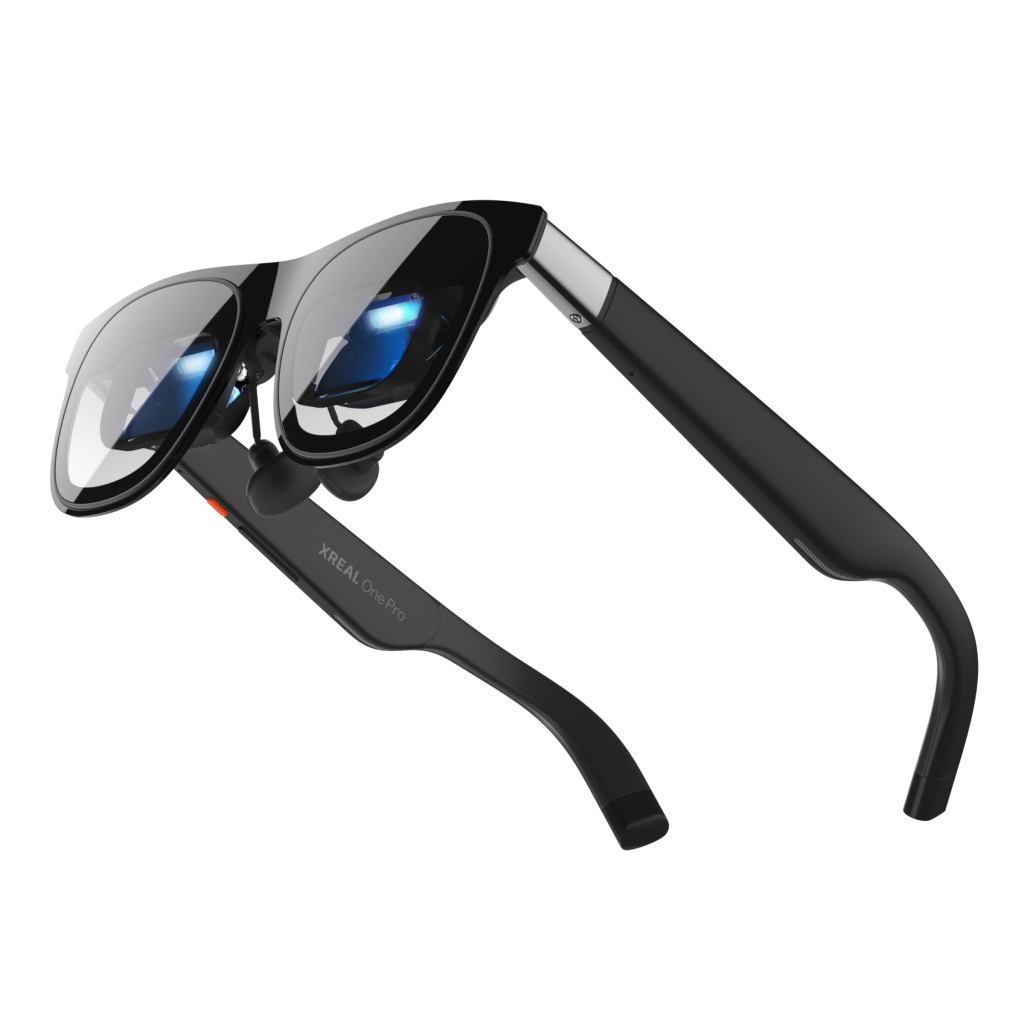
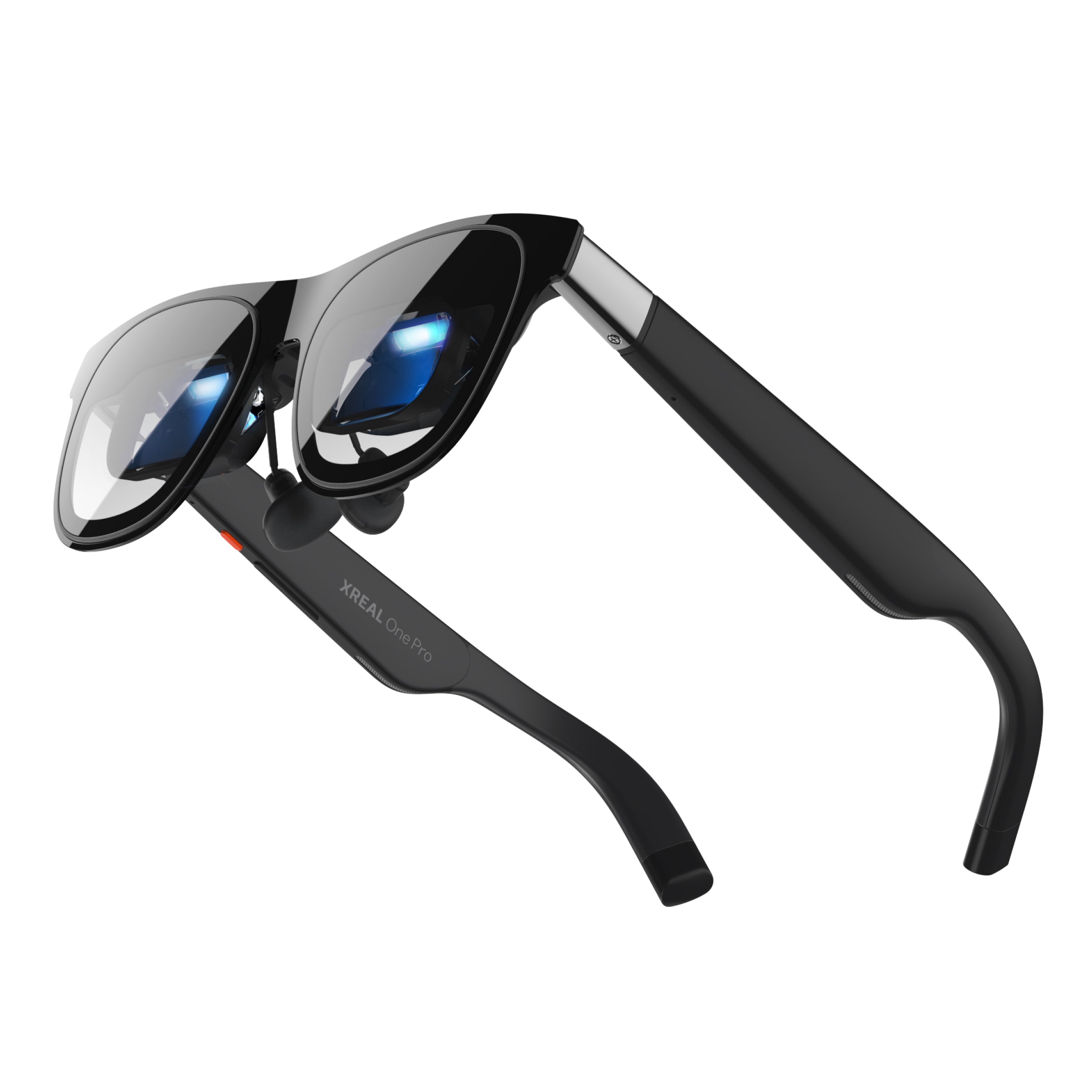
XREAL One Pro is where this smart glasses series turns from AI camera glasses to display glasses. Ray-Ban Meta and Oakley Meta products are about capture, audio, assistant features, and daily wear. XREAL One Pro is about putting a large private screen in front of your eyes and making phones, laptops, handheld consoles, and tablets feel bigger than their physical size.
That makes it a very different buying decision. You do not buy XREAL One Pro because you want to record your bike ride or ask a voice assistant what you are looking at. You buy it because you want a portable monitor, travel theater, gaming screen, or spatial display that fits in a glasses case.
What XREAL One Pro is
XREAL One Pro is XREAL’s premium AR display glasses model. The official XREAL store currently lists it at $649 USD. It uses Sony 0.55-inch Micro-OLED displays, a 57-degree field of view, 120Hz refresh rate, 700-nit perceived brightness, three levels of electrochromic dimming, and XREAL’s X1 spatial computing chip.
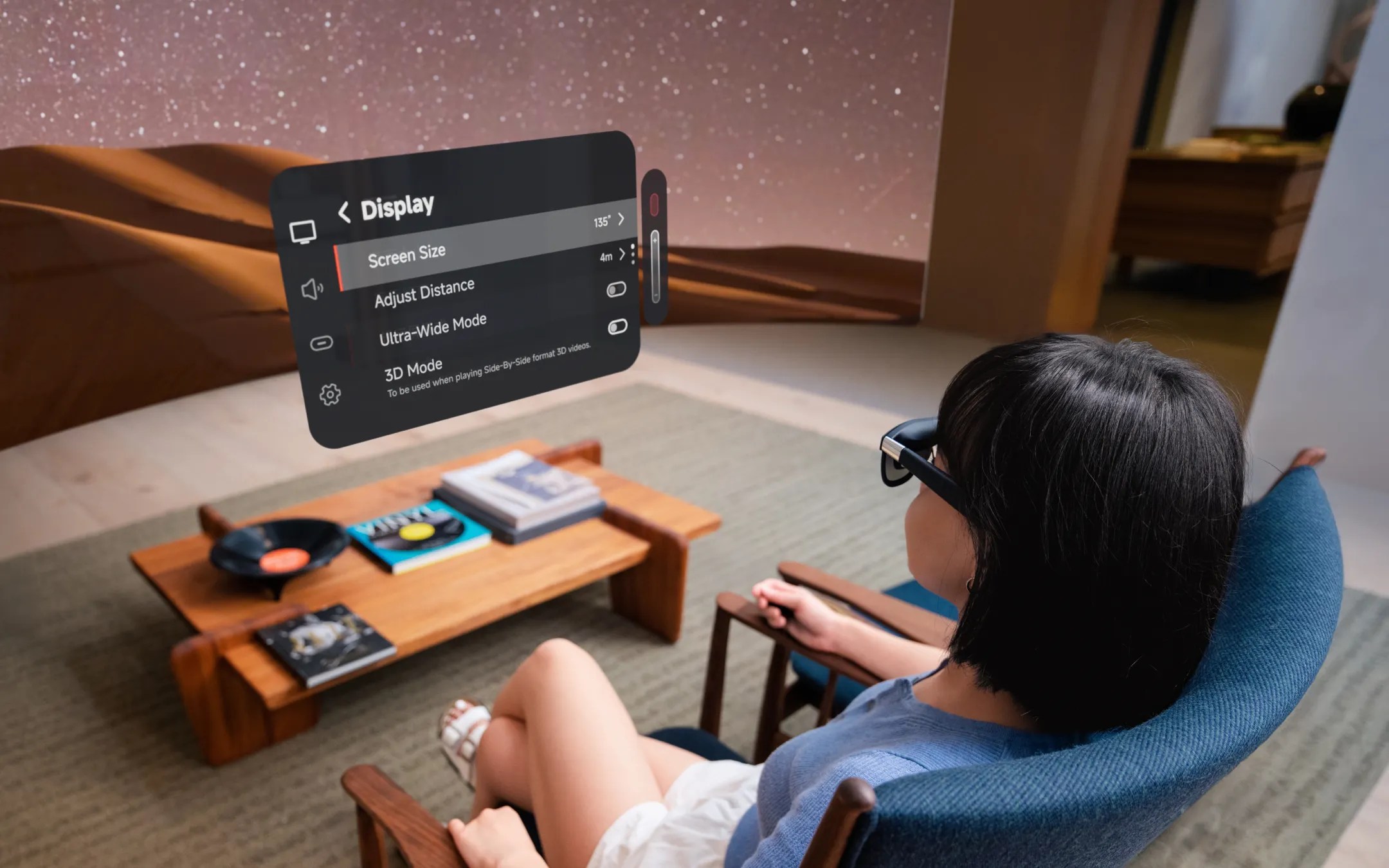
The important word is display. Unlike Ray-Ban Meta or Oakley Meta glasses, XREAL One Pro does not try to be a camera-first social wearable. It connects by USB-C to compatible devices and gives you a floating screen. That screen can follow your view, stay anchored, or be adjusted through on-glasses controls depending on the mode and device setup.

The core specs that matter
- Current U.S. store price: $649 USD on XREAL’s U.S. shop at the time checked.
- Display: 1920 x 1080 per eye, using Sony 0.55-inch Micro-OLED panels.
- Field of view: 57 degrees, which XREAL markets as up to a 171-inch screen equivalent from 4 meters.
- Refresh rate: up to 120Hz.
- Brightness: 700 nits perceived brightness.
- Color: individualized calibration with ΔE < 3 color accuracy claim.
- Audio: Sound by Bose open-ear audio tuning.
- Weight: about 87 grams.
- IPD options: M for 57-66mm and L for 66-75mm.
- Connection: USB-C DisplayPort output required for most source devices.
Those specs are why XREAL One Pro belongs near the top of any display-glasses shortlist. The wider 57-degree field of view is the headline. Reviewers at Tom’s Hardware and TechRadar both treated the optics and viewing experience as the main upgrade, while also calling out the higher price as the obvious drawback.
What the X1 chip changes
The X1 chip is XREAL’s argument that One Pro is not just another USB-C screen. XREAL says the chip allows lower motion-to-photon latency, display controls directly on the glasses, stabilization modes, and frame interpolation up to 120fps. In practical terms, it means fewer settings have to depend on a companion app or external software layer.
That matters most when you are moving. A normal external display does not need spatial stability because it sits on a desk. Glasses do. If the screen jitters, drifts, or feels late when your head moves, the experience becomes tiring quickly. XREAL’s pitch is that the chip makes the screen feel calmer and more usable across phones, PCs, handheld consoles, and travel situations.
Best use cases
- Steam Deck, ROG Ally, and handheld gaming: play on a much larger virtual screen without carrying a monitor.
- MacBook and Windows laptops: use the glasses as a private external display while traveling.
- iPhone, Android, and tablets: watch video or mirror supported devices through USB-C display output.
- Console play: connect through compatible adapters or hubs when needed for Switch, PlayStation, Xbox, and similar setups.
- Flights and hotels: watch a large private screen without relying on the room TV or seatback display.
The simplest way to think about XREAL One Pro is this: if you already carry a device with a good video source but a small screen, One Pro makes that device feel more useful. It does not replace the device. It expands it.
Who should consider XREAL One Pro
- Frequent travelers who want a private movie or gaming screen on planes and in hotels.
- Handheld gaming owners who want a bigger display for Steam Deck, ROG Ally, Lenovo Legion Go, or similar devices.
- Laptop users who want a portable external display without carrying a physical monitor.
- People who dislike VR isolation but still want a big personal screen.
- Display-glasses enthusiasts who want a wider field of view and premium optics.
Who should skip it
- Camera and AI glasses buyers should look at Ray-Ban Meta, Oakley Meta, or Meta Ray-Ban Display instead.
- Budget-focused buyers should compare XREAL One, VITURE, Rokid, or older XREAL Air models.
- People without USB-C display output devices should check compatibility carefully before buying.
- True VR gamers should still buy Meta Quest, PlayStation VR2, or PC VR hardware.
- People who need all-day prescription comfort should plan for prescription inserts rather than assuming the default fit works perfectly.
XREAL One Pro vs Meta Quest
XREAL One Pro and Meta Quest solve different problems. Quest is immersive. It tracks your hands, controllers, room, games, and mixed reality environment. XREAL One Pro is a wearable display. It shows a screen from another device. That makes it lighter, simpler, and easier for travel, but far less immersive.
The buying rule is clean. If you want VR games, fitness, mixed reality apps, and a self-contained headset, buy Quest. If you want your Steam Deck, laptop, phone, or console to feel like it has a giant private monitor, consider XREAL One Pro.
XREAL One Pro vs Ray-Ban Meta and Oakley Meta
Ray-Ban Meta and Oakley Meta glasses are wearable computers for the real world: camera, audio, AI assistant, calls, messaging, and capture. XREAL One Pro is a display layer for your devices. It does not win on social capture or AI assistant features. It wins when the screen is the point.
This difference matters for search traffic too. A person searching for Ray-Ban Meta is often asking whether AI glasses are useful in daily life. A person searching for XREAL One Pro is usually asking whether a wearable monitor is worth $649.
The price problem
The biggest concern is price. At $649, XREAL One Pro is a premium accessory. Tom’s Hardware praised the optics and build quality but criticized the price. TechRadar was more enthusiastic about the entertainment experience, but also noted that it costs more than previous models and still depends on source devices.
That means the product is easiest to justify if you already have a strong use case. If you travel every week, game on a handheld daily, or work from a laptop in cramped spaces, the value case is real. If you only want to occasionally watch a movie in bed, cheaper display glasses may be enough.

Bottom line
XREAL One Pro is one of the strongest display glasses choices for readers who want a bigger private screen without wearing a full VR headset. It is not the right smart glasses product for hands-free capture, AI voice assistance, or sports tracking. It is the right product when the display is the whole point.
For this blog’s smart glasses section, XREAL One Pro marks the start of a new lane. Meta’s glasses explain AI wearables. XREAL One Pro explains wearable screens. If a reader wants travel movies, handheld gaming, laptop privacy, and a floating display instead of camera glasses, this is the product to compare first.
Continue Reading
If this guide helped, these related smart glasses articles are the best next stops.
- Best AR Display Glasses for Movies and Gaming: XREAL, VITURE, RayNeo, and Rokid ComparedA U.S.-focused AR display glasses comparison for movies, gaming, travel, and laptop use, covering…
- VITURE Luma Pro Guide: The 1000-Nit XR Glasses Built for Gaming, Movies, and TravelA U.S.-focused VITURE Luma Pro guide covering the current price, 1200p display, 52-degree field of…
- RayNeo Air 4 Pro Guide: The $299 HDR10 Display Glasses for Gaming and StreamingA U.S.-focused RayNeo Air 4 Pro guide covering the $299 price, HDR10 support, 1200-nit brightness…
- Rokid AR Spatial Guide: Max 2 and Station 2 for a 300-Inch Multi-Screen SetupA U.S.-focused Rokid AR Spatial guide covering the Max 2 glasses, Station 2 host, current bundle…