VITURE Luma Pro is the smart-glasses article that belongs right after XREAL 1S because it asks the same buyer question from the other side: if you want a private wearable screen for gaming, movies, flights, and laptop work, should you stay inside XREAL’s ecosystem or look at VITURE’s software-first XR approach?
The answer depends less on brand loyalty and more on how you plan to use the glasses. XREAL leans hard on its X1 chip and on-glasses spatial controls. VITURE leans hard on SpaceWalker, broad device support, high brightness, built-in myopia adjustment, and a product lineup that speaks directly to handheld gaming and travel entertainment.
What VITURE Luma Pro is
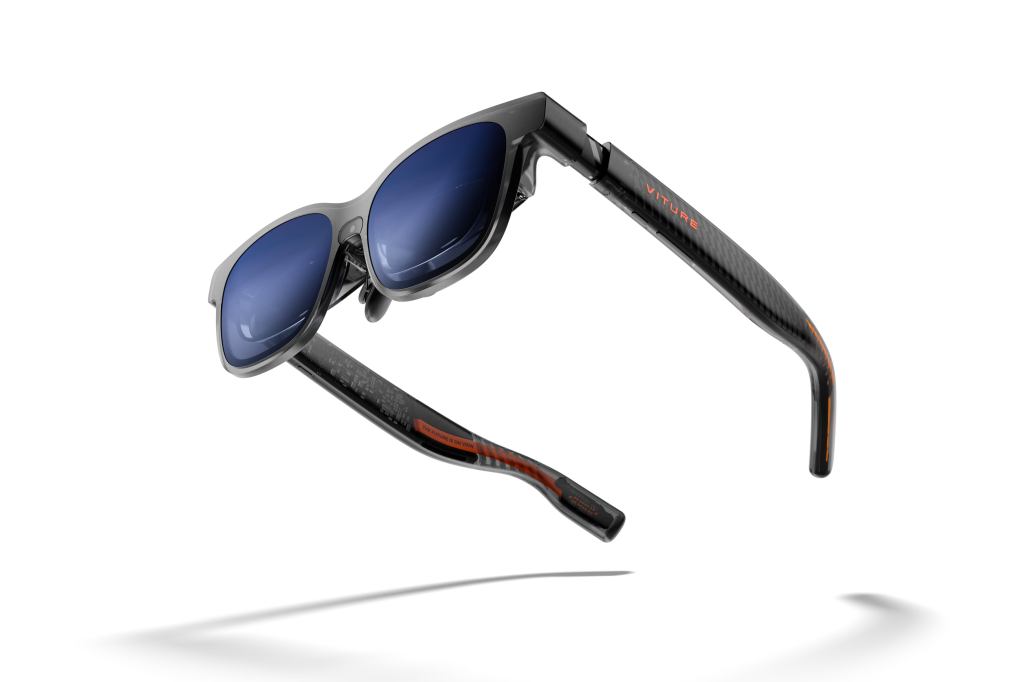
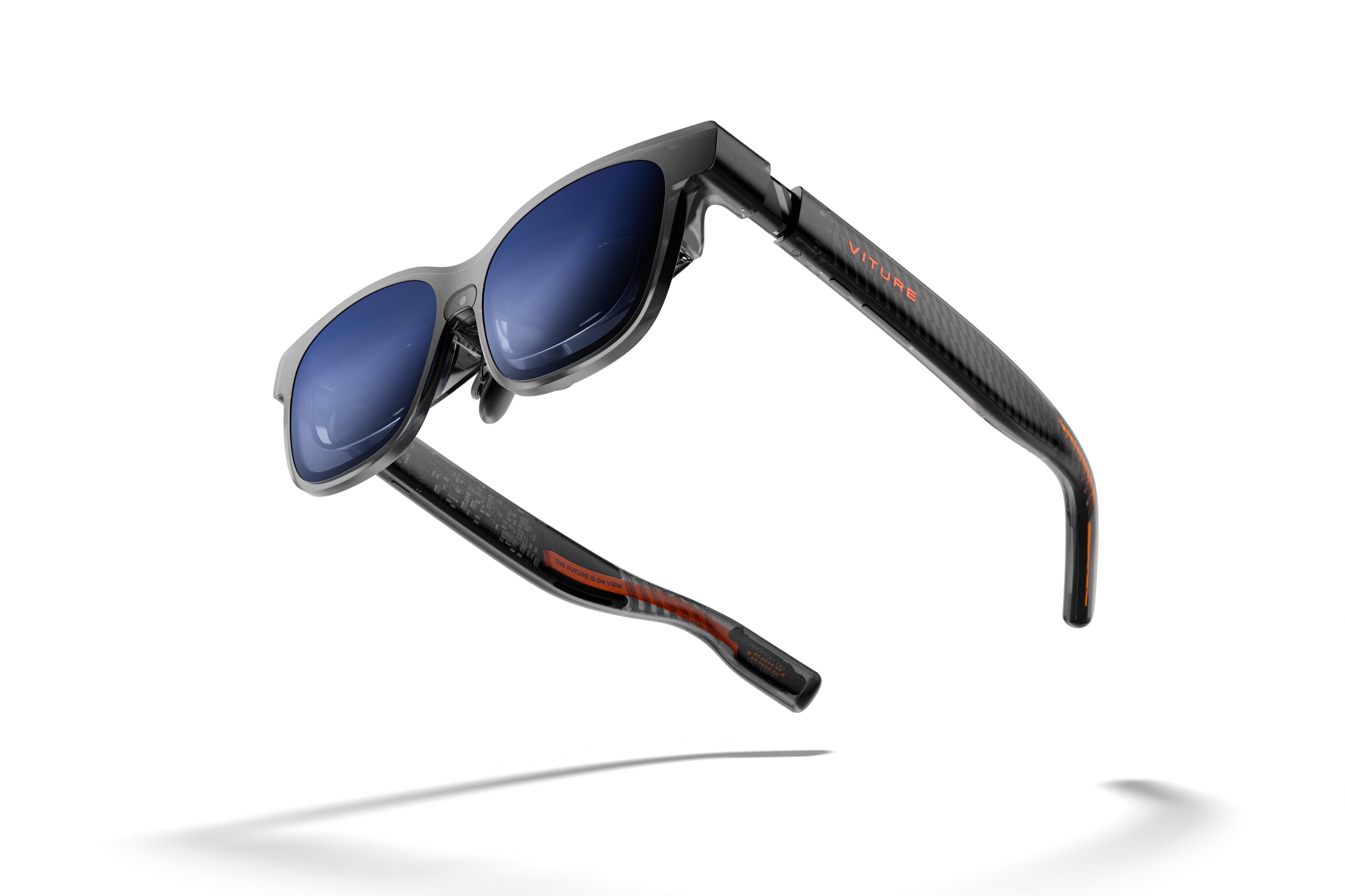
VITURE Luma Pro XR Glasses are display glasses, not standalone VR glasses. They connect to compatible devices and create a large private virtual screen. The official VITURE product page currently lists Luma Pro at $449, marked down from $499, while VITURE’s Shopify product page may show model-specific pricing that changes with color, size, bundles, and promotions.
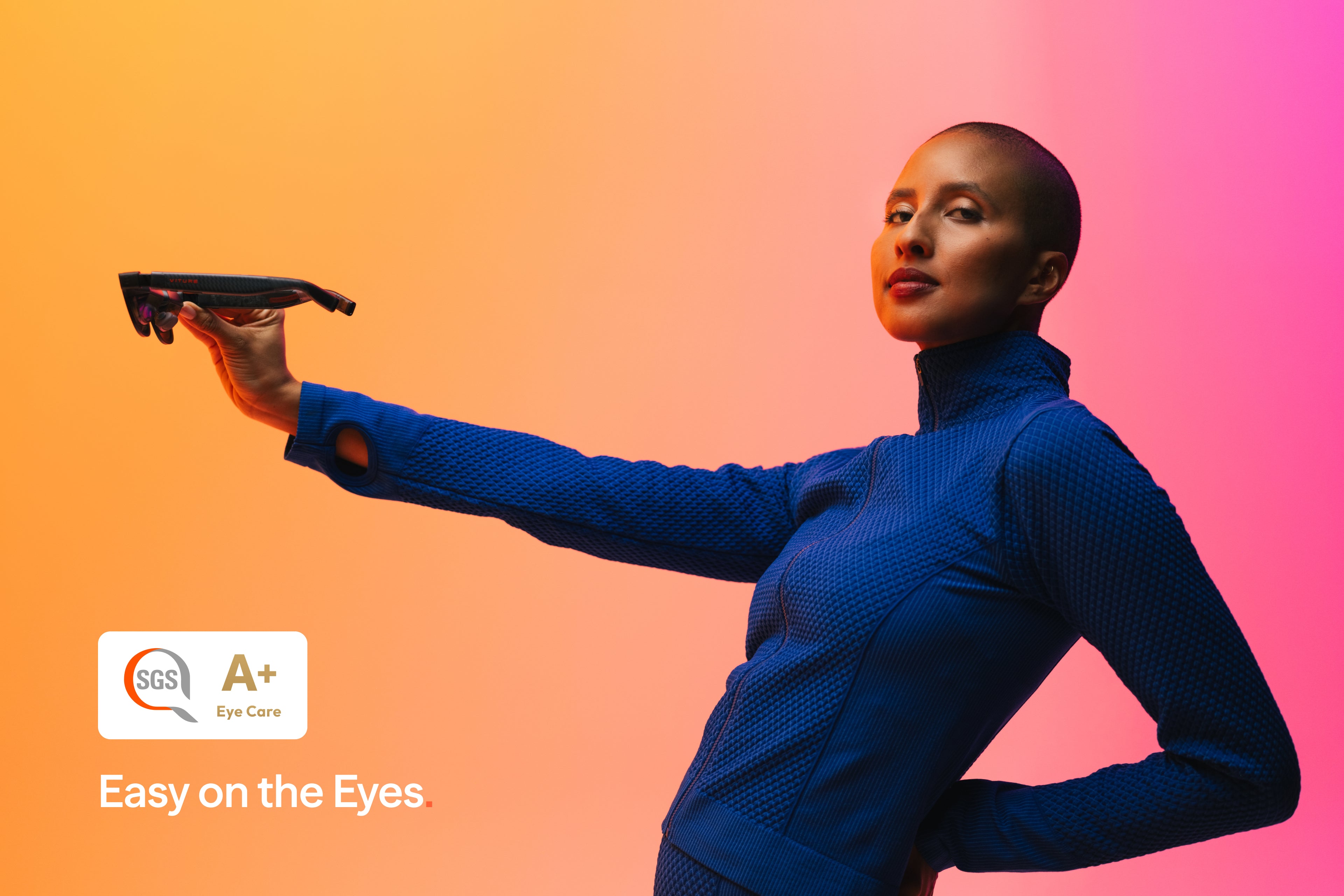
The headline specs are strong for this price class: a 1200p virtual display, 52-degree field of view, 120Hz refresh rate, up to 1000 nits perceived brightness, Sony micro-OLED panels, HARMAN AudioEFX, electrochromic dimming, SpaceWalker support, and up to -4.0D built-in myopia adjustment. That combination makes Luma Pro one of the most direct XREAL 1S competitors.
The core specs that matter
- Current official listed price: $449 on VITURE’s main Luma Pro page at the time checked, with promotional pricing subject to change.
- Display: 1200p, described by VITURE as a 4K-like virtual display.
- Screen size claim: 152-inch virtual display at 4 meters.
- Field of view: 52 degrees.
- Refresh rate: up to 120Hz.
- Brightness: up to 1000 nits peak perceived brightness.
- Audio: HARMAN AudioEFX with built-in spatial sound.
- Myopia adjustment: up to -4.0D.
- Dimming: electrochromic film with 0.5-40% optical transmittance according to VITURE.
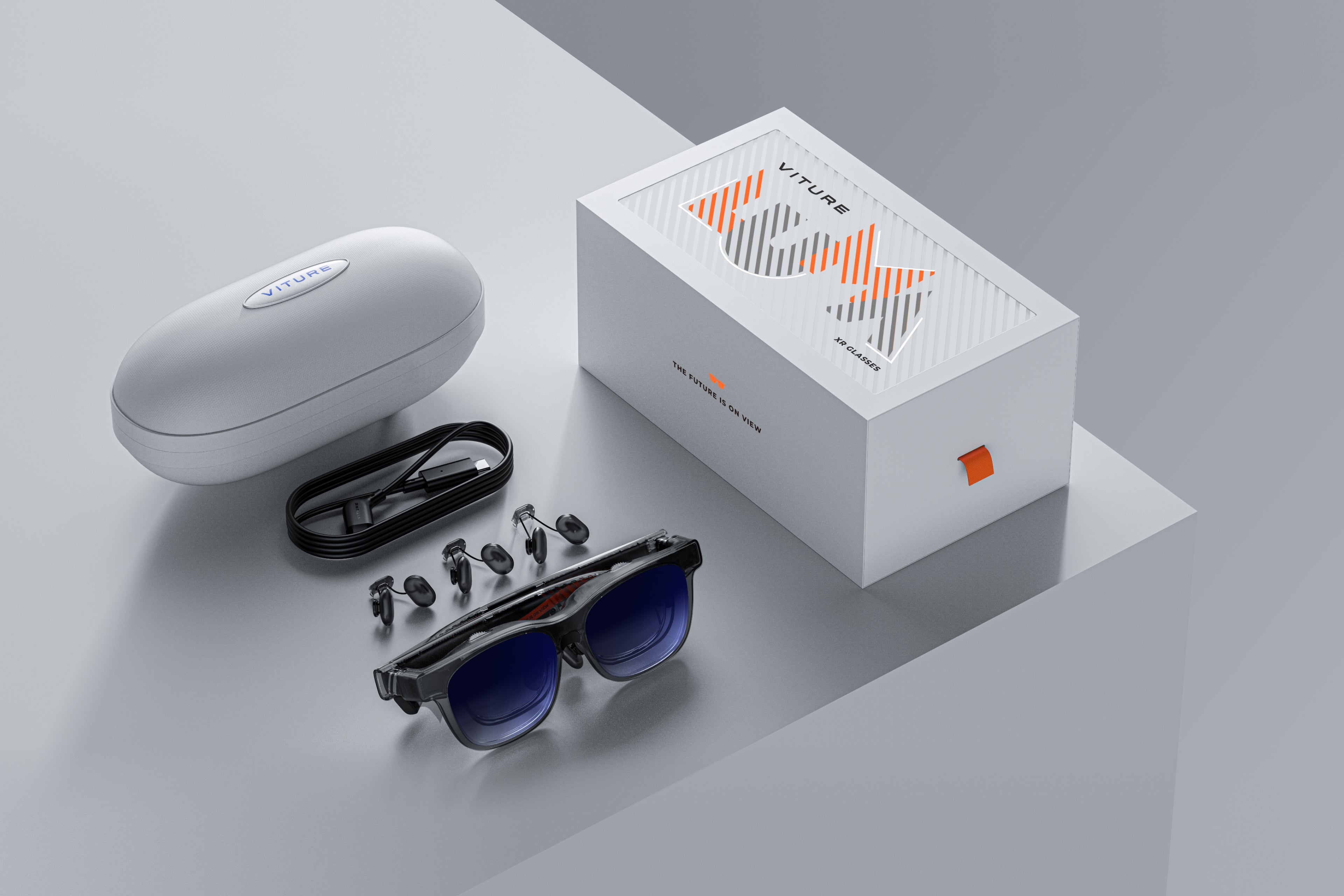
- Connection: magnetic pogo-pin cable for USB-C device connection.
The two numbers that stand out are brightness and myopia adjustment. 1000 nits gives VITURE a simple spec-sheet advantage in bright environments, while built-in -4.0D myopia adjustment can reduce friction for some nearsighted buyers. It does not replace every prescription need, but it is a practical feature buyers notice immediately.

Why SpaceWalker matters
SpaceWalker is VITURE’s software layer, and it is a major reason people keep comparing VITURE with XREAL instead of treating the glasses as plain USB-C screens. VITURE describes SpaceWalker as the companion app for 3DoF head tracking, multi-screen work, 1-click 3D, ultrawide display, and platform-specific XR features across Windows, macOS, iOS, and Android.
This is where VITURE feels different from a basic wearable monitor. If you only mirror a phone video, any good display glasses can look impressive for a few minutes. The harder question is whether the software makes the glasses useful after the first weekend. VITURE’s answer is SpaceWalker: more screen modes, more device-specific workflows, and more reasons to treat the glasses as a portable XR setup.
Gaming is the cleanest use case
For this blog’s audience, the easiest Luma Pro use case is gaming. A handheld console already has the controls, battery, game library, and operating system. Luma Pro simply makes the screen feel larger and more private. That is why Steam Deck, ROG Ally, Lenovo Legion Go, Switch-style setups, phones, and laptops appear so often in VITURE’s own positioning.
This also explains why Luma Pro should not be judged like Meta Quest. Quest changes the game format by putting you inside VR. Luma Pro changes the screen format by letting your existing game fill more of your view. For flat-screen games, that is often exactly what people want.
Movies, flights, and private screens
The second strong use case is travel video. A 152-inch claimed virtual display sounds like marketing until you think about the actual setting: airplane seats, hotel rooms, commuter trains, shared living rooms, and small desks. In those places, a private wearable screen can be more useful than a TV-sized dream. You are not buying a home theater replacement. You are buying a screen that follows your backpack.
The built-in dimming is part of that story. Display glasses work best when the image is bright enough and the outside world is controlled enough. VITURE’s electrochromic lenses give users a way to move between awareness and immersion without carrying a separate shade accessory for every situation.
The dynamic RGB feature is style, not just specs
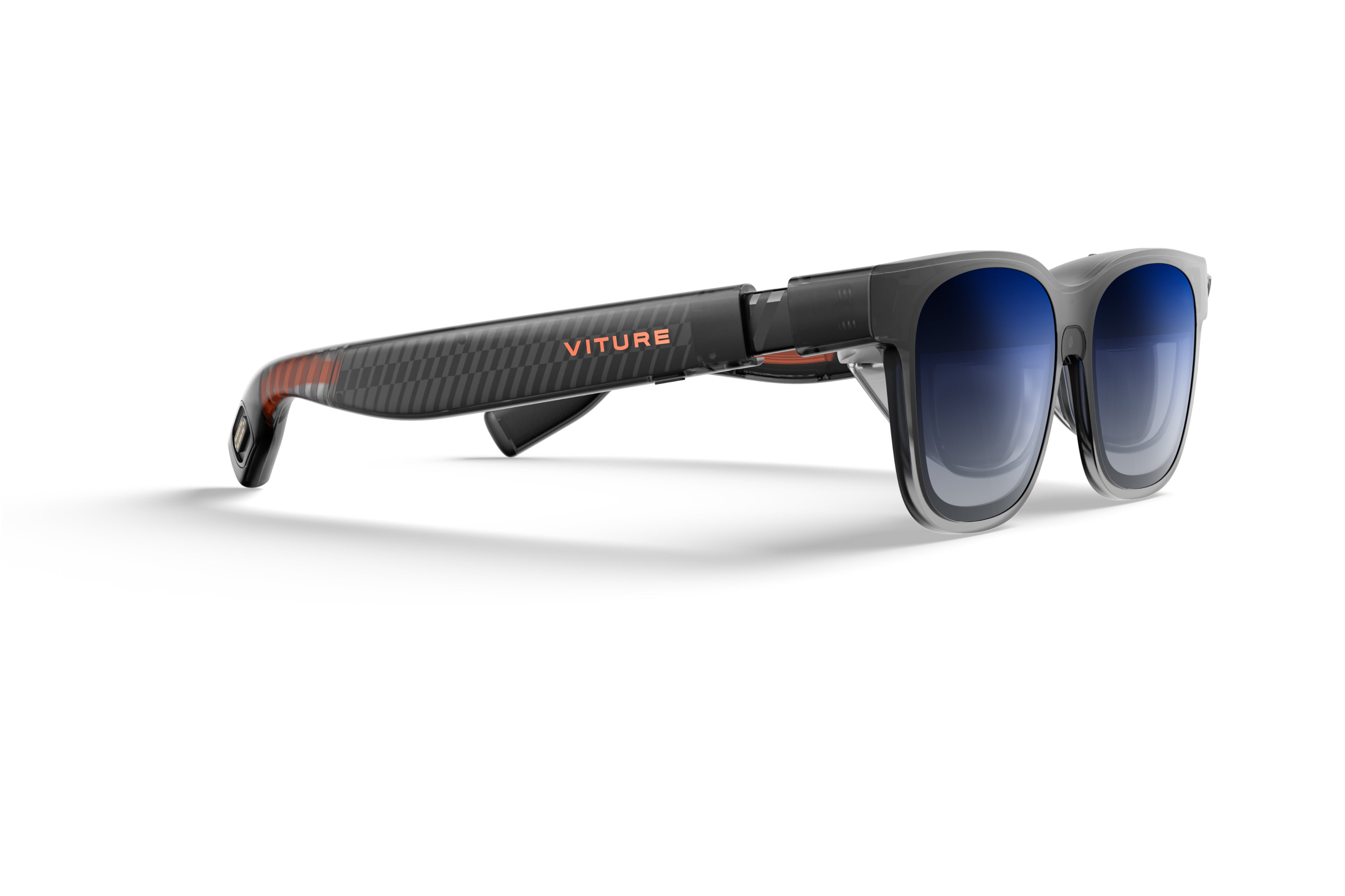
VITURE markets Luma Pro as the first XR glasses with customizable RGB lighting effects. That will not matter to every buyer, and it should not be the main reason to buy the product. Still, it gives Luma Pro a personality that many display glasses lack. Most AR display glasses look like black tech frames. Luma Pro wants to look more like a visible gadget.
That can be good or bad depending on the person. Some buyers want display glasses to disappear socially. Others are fine with a futuristic look if the product feels more expressive. The important thing is to treat RGB as design language, not a performance feature. The core buying decision still comes down to screen quality, comfort, compatibility, and software.
Who should consider VITURE Luma Pro
- Handheld gaming users who want a big private display without wearing a VR headset.
- Travelers who watch video on flights, hotels, or trains and want a more cinematic setup.
- Buyers comparing XREAL 1S who want to weigh VITURE’s software ecosystem against XREAL’s X1-chip approach.
- Nearsighted users within the supported range who may benefit from the built-in -4.0D myopia adjustment.
- People who care about style and do not mind the more visible RGB/futuristic design direction.
Who should skip it
- VR-first buyers should still look at Meta Quest, because Luma Pro does not run immersive VR games.
- Camera/AI assistant buyers should look at Ray-Ban Meta, Oakley Meta, or Meta Ray-Ban Display instead.
- People who want the widest display glasses should compare VITURE Beast and XREAL One Pro before buying.
- Prescription users outside the myopia range should check lens options carefully before assuming fit.
- Buyers worried about legal uncertainty should be aware of the reported XREAL lawsuit against VITURE and watch availability before purchase.
VITURE Luma Pro vs XREAL 1S
This is the comparison most readers will make. Both products sit in the same mainstream display-glasses conversation. XREAL 1S brings 1200p, 52-degree field of view, 700-nit brightness, X1 chip controls, Real 3D, and Bose audio. VITURE Luma Pro counters with 1200p, 52-degree field of view, 1000-nit brightness, SpaceWalker, HARMAN audio, electrochromic dimming, RGB styling, and myopia adjustment.
The clean rule is this: choose XREAL 1S if you want the X1-chip story and a more XREAL-native spatial display experience. Choose VITURE Luma Pro if SpaceWalker, brightness, myopia adjustment, and VITURE’s gaming-focused ecosystem sound more useful for your devices.
VITURE Luma Pro vs VITURE Luma and Beast
Inside VITURE’s own lineup, Luma Pro is the middle recommendation. The standard Luma lowers the price and keeps the core display idea. Beast pushes toward a more premium enthusiast lane. Luma Pro is the model for buyers who want the strong display spec and software ecosystem without immediately jumping to the most extreme option.
That middle position is useful because display glasses are still habit products. The best model is not always the most expensive one. It is the model that fits the device you already use, the seat you actually sit in, and the screen problem you genuinely have.
Bottom line
VITURE Luma Pro deserves a serious place on the smart-glasses shortlist because it is not trying to be everything. It is a wearable display with strong brightness, sharp resolution, practical software, gaming-friendly positioning, and enough design personality to stand apart from the black-frame crowd.
For PlayTechDeep readers, the best way to think about it is simple. Meta Quest is for entering VR. Ray-Ban Meta is for capturing daily life. XREAL 1S is for a chip-driven display-glasses lane. VITURE Luma Pro is for people who want a bright, software-rich private screen that follows their handheld gaming, travel video, and laptop habits.
Continue Reading
If this guide helped, these related smart glasses articles are the best next stops.
- Best AR Display Glasses for Movies and Gaming: XREAL, VITURE, RayNeo, and Rokid ComparedA U.S.-focused AR display glasses comparison for movies, gaming, travel, and laptop use, covering…
- XREAL One Pro Guide: The AR Display Glasses for Gaming, Travel, and a Huge Portable ScreenA U.S.-focused XREAL One Pro guide covering the $649 price, 57-degree field of view, X1 chip…
- RayNeo Air 4 Pro Guide: The $299 HDR10 Display Glasses for Gaming and StreamingA U.S.-focused RayNeo Air 4 Pro guide covering the $299 price, HDR10 support, 1200-nit brightness…
- Rokid AR Spatial Guide: Max 2 and Station 2 for a 300-Inch Multi-Screen SetupA U.S.-focused Rokid AR Spatial guide covering the Max 2 glasses, Station 2 host, current bundle…