
Quick Answer: Who Should Watch Meta Ray-Ban Display?
Smart glasses buyer answer
Meta Ray-Ban Display is most interesting for buyers who already like Ray-Ban Meta camera glasses but want glanceable visual information. It is not a Meta Quest replacement. Compare it with smart-glasses types and AR display glasses before treating it like full AR.
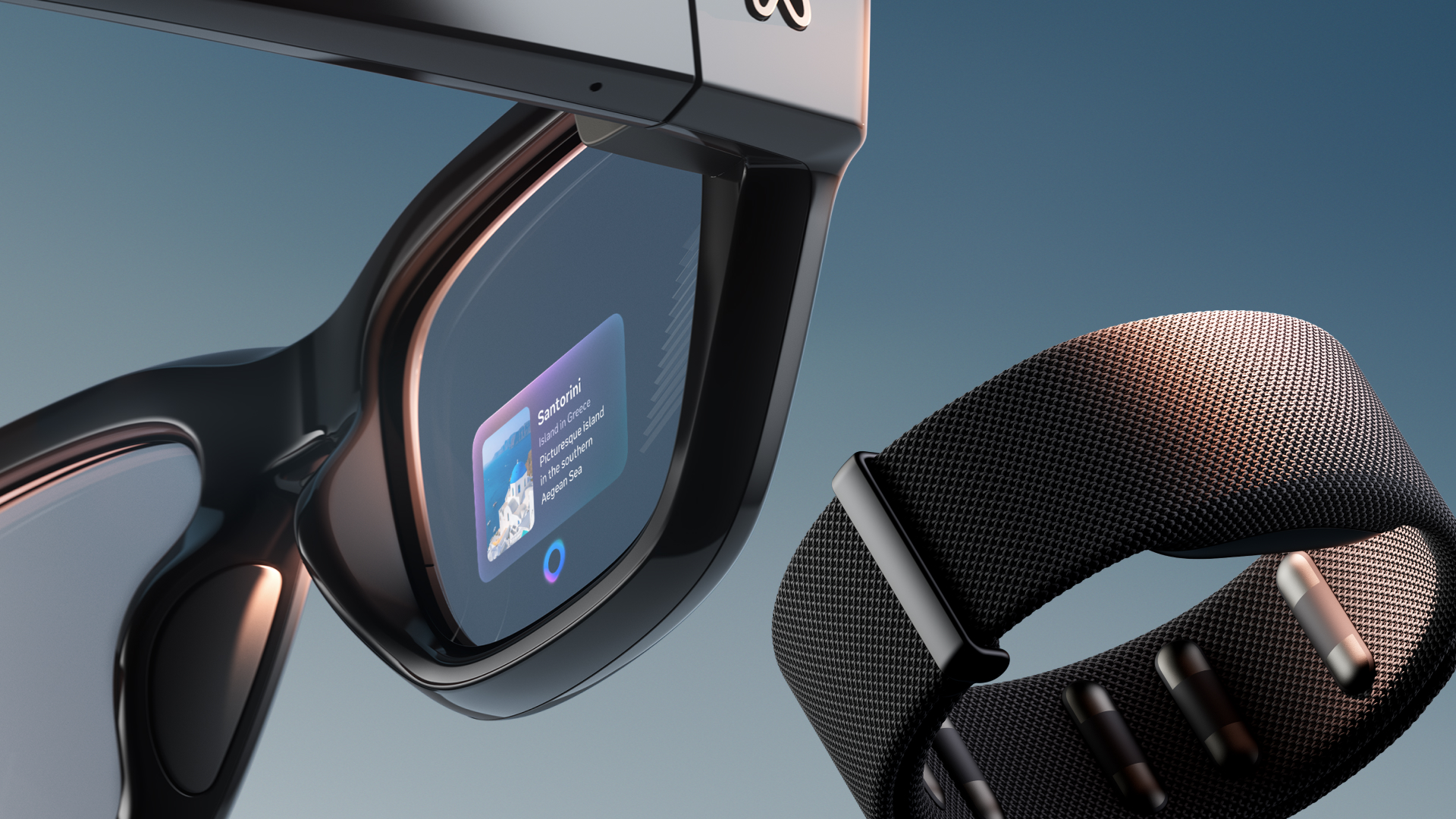
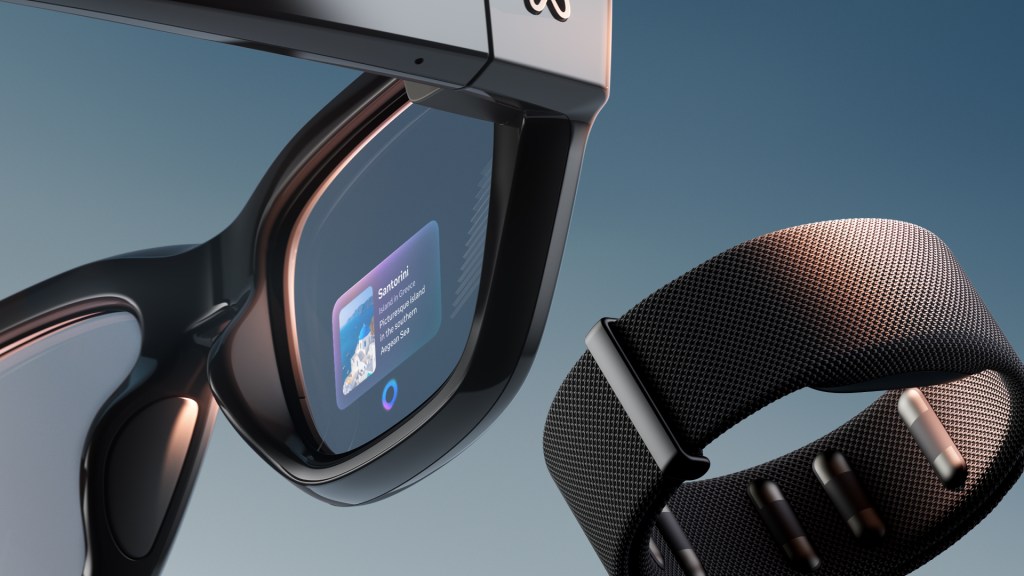
Meta Ray-Ban Display is the smart glasses product that changes the conversation. Ray-Ban Meta Gen 2 showed that camera-first AI glasses can become mainstream. Meta Ray-Ban Display asks a harder question: what happens when smart glasses stop being audio-only and begin showing useful information directly in your view?
This is not a full Meta Quest headset, and it is not Meta’s Orion-style holographic AR future. It is the middle step: a normal-looking pair of Ray-Ban-style glasses with camera, speakers, microphones, Meta AI, a private in-lens display, and a wrist-based Neural Band for gesture control.
What Meta Ray-Ban Display is
Meta Ray-Ban Display is Meta’s first consumer AI glasses line with a built-in full-color display. The display is designed for short, glanceable interactions rather than constant screen time. Meta says it can show messages, photo previews, translations, Meta AI responses, walking directions, music controls, live captions, and more while keeping the wearer present in the real world.
The most important difference from Ray-Ban Meta Gen 2 is simple: Gen 2 talks to you; Display can show you. That changes the experience. Voice answers are useful, but visual steps, captions, maps, and camera previews make smart glasses feel much closer to everyday AR.

The specs that matter for U.S. buyers
- Starting price: $799 USD, including the glasses and Meta Neural Band.
- Availability: U.S. retail demos and purchase at select locations first, with broader international expansion planned later.
- Display: full-color, high-resolution in-lens display designed for short interactions.
- Controls: Meta Neural Band, an EMG wristband that reads subtle muscle signals for gestures.
- Battery: up to six hours of mixed-use battery life for the glasses, with up to 30 total hours using the charging case.
- Colors: Black and Sand, with Transitions lenses.
The $799 price matters because it places Meta Ray-Ban Display in a different buying category from Ray-Ban Meta Gen 2. This is not a casual impulse accessory for most readers. It is closer to an early-adopter wearable computer, and it should be judged that way.
Why the Neural Band is the real story
The glasses are visually interesting, but the Neural Band may be the bigger platform idea. Instead of tapping the frame or speaking every command out loud, the band reads EMG muscle signals at the wrist and turns subtle finger movements into input. That means scrolling, selecting, swiping, and controlling volume can feel more private than voice commands and less awkward than touching your glasses repeatedly.
Meta says the band is designed for all-day wear, has up to 18 hours of battery life, and carries an IPX7 water rating. The accessibility angle is also important. Wrist-based muscle signals can create control options for people who cannot rely on large hand movements, which makes this more than a luxury gesture trick.
What the display actually adds
The display is useful when audio alone is not enough. Live captions are easier to understand when you can read them. Walking directions make more sense when you can glance at a map. Photo and video capture improves when you can preview the frame. Meta AI answers become more useful when steps, images, or short text appear visually instead of only being read aloud.
That also explains the limit. This is not a Netflix screen, a gaming display, or a laptop replacement. Readers who want a big virtual monitor should still look at XREAL, VITURE, or Rokid. Meta Ray-Ban Display is about tiny moments of visual help, not long sessions inside a screen.
Best use cases
- Messaging: check short messages without pulling out a phone.
- Photo and video framing: use the display as a viewfinder instead of guessing what the glasses are capturing.
- Live captions: read what someone is saying in real time when supported.
- Translation: follow translated speech visually in supported situations.
- Pedestrian navigation: get walking directions without staring down at a phone.
- Meta AI visuals: see short answers, instructions, and steps instead of only hearing them.
Who should consider Meta Ray-Ban Display
Meta Ray-Ban Display makes the most sense for early adopters who already believe smart glasses will become a daily computing layer. It also fits users who liked Ray-Ban Meta but wanted three things it could not provide: a viewfinder, private visual information, and silent gesture control.
It is especially interesting for travelers, creators, people who use captions or translation often, and anyone who wants to test the future of AI glasses before true consumer AR glasses arrive. If the idea of reading directions, seeing captions, and controlling a display with finger gestures sounds immediately useful, this product has a clear appeal.
Who should skip it
- Budget-conscious buyers should start with Ray-Ban Meta Gen 2 or wait for later generations.
- VR-first users should buy Meta Quest for immersive games, fitness, and mixed reality apps.
- Large-screen users should look at XREAL, VITURE, or Rokid instead.
- Privacy-sensitive users should think carefully before buying camera glasses with AI and visual display features.
- Anyone outside the U.S. should check current availability before getting attached to the product.
Meta Ray-Ban Display vs Ray-Ban Meta Gen 2
Ray-Ban Meta Gen 2 is the more practical mainstream product. It is cheaper, simpler, and easier to explain: camera, audio, Meta AI, translation, and daily capture. Meta Ray-Ban Display is more ambitious. It adds a private visual layer and Neural Band input, but it also costs more and feels more experimental.
The clean buying rule is this: choose Ray-Ban Meta Gen 2 if you want the best everyday AI glasses baseline. Choose Meta Ray-Ban Display if you specifically want visual information in the lens and are willing to pay early-adopter pricing for it.
Meta Ray-Ban Display vs Meta Quest
Meta Quest still wins for immersion. It is the right device for VR games, spatial apps, workouts, movies, and mixed reality experiences where the screen becomes the room. Meta Ray-Ban Display wins for tiny moments in the actual world: a caption, a text, a walking direction, a camera preview, a step from Meta AI.
That makes Meta’s hardware strategy easier to understand. Quest owns deep sessions. Ray-Ban Meta owns everyday capture. Meta Ray-Ban Display sits between them as the first real consumer bridge toward glasses-based computing.
Bottom line
Meta Ray-Ban Display is not the smart glasses most people should buy first. It is too expensive and too early for that. But it may be the most important product in the current smart glasses lineup because it shows where the category is going. A display, camera, AI assistant, open-ear audio, and wrist-based input in one wearable package is not just a spec sheet. It is a preview of how everyday AR could arrive in stages.
For this blog’s smart glasses series, Ray-Ban Meta Gen 2 is the baseline. Meta Ray-Ban Display is the leap. It is the article readers should open when they want to understand why smart glasses are no longer just camera sunglasses.
Continue Reading
If this guide helped, these related smart glasses articles are the best next stops.
- Ray-Ban Meta vs Oakley Meta vs XREAL vs Vuzix: Smart Glasses Types ExplainedA smart glasses type guide that explains the difference between AI camera glasses, sports glasses…
- RayNeo X3 Pro Guide: The $1,299 AR Glasses That Show the Future and the ProblemA U.S.-focused RayNeo X3 Pro guide covering price, full-color MicroLED waveguide optics, Gemini…
- XREAL One Pro Guide: The AR Display Glasses for Gaming, Travel, and a Huge Portable ScreenA U.S.-focused XREAL One Pro guide covering the $649 price, 57-degree field of view, X1 chip…
- Best Smart Glasses in 2026: Which One Should You Actually Buy?A U.S.-focused 2026 smart glasses comparison guide covering Ray-Ban Meta, Oakley Meta, XREAL…