Best setup in one minute
Clear a larger play area, confirm floor height, tighten the headset, review voice-chat controls, and keep early sessions short. Gorilla Tag rewards wide arm movement, so room safety and social settings matter more than graphics tweaks.
Quick Answer: Best Gorilla Tag Settings on Meta Quest
Settings answer
Start with safety, not graphics: clear a larger boundary, verify floor height, tighten the headset, control voice chat, and keep first sessions short. Gorilla Tag is arm-powered and social, so the best setup reduces room risk, lobby noise, and fatigue before chasing performance tweaks.
Good Gorilla Tag settings are less about making the game easier and more about making the session safer, cleaner, and less annoying. The movement is already intense. The setup should reduce distractions: clear boundary, controlled voice, comfortable headset fit, sensible recording choices, and a quick plan for what to do when a lobby gets loud.
Start with the Room, Not the Menu
The most important setting is the real-world play area. Gorilla Tag encourages wide arm movement, fast turns, and sudden reaches. Before opening the app, clear more room than you think you need. Move chairs, check low tables, keep pets out, and avoid playing near a TV or monitor.
Set the Quest boundary so it warns early rather than late. A tight boundary is annoying, but a late warning can mean your hand has already found the wall. For this game, conservative is smarter.
Voice and Social Settings
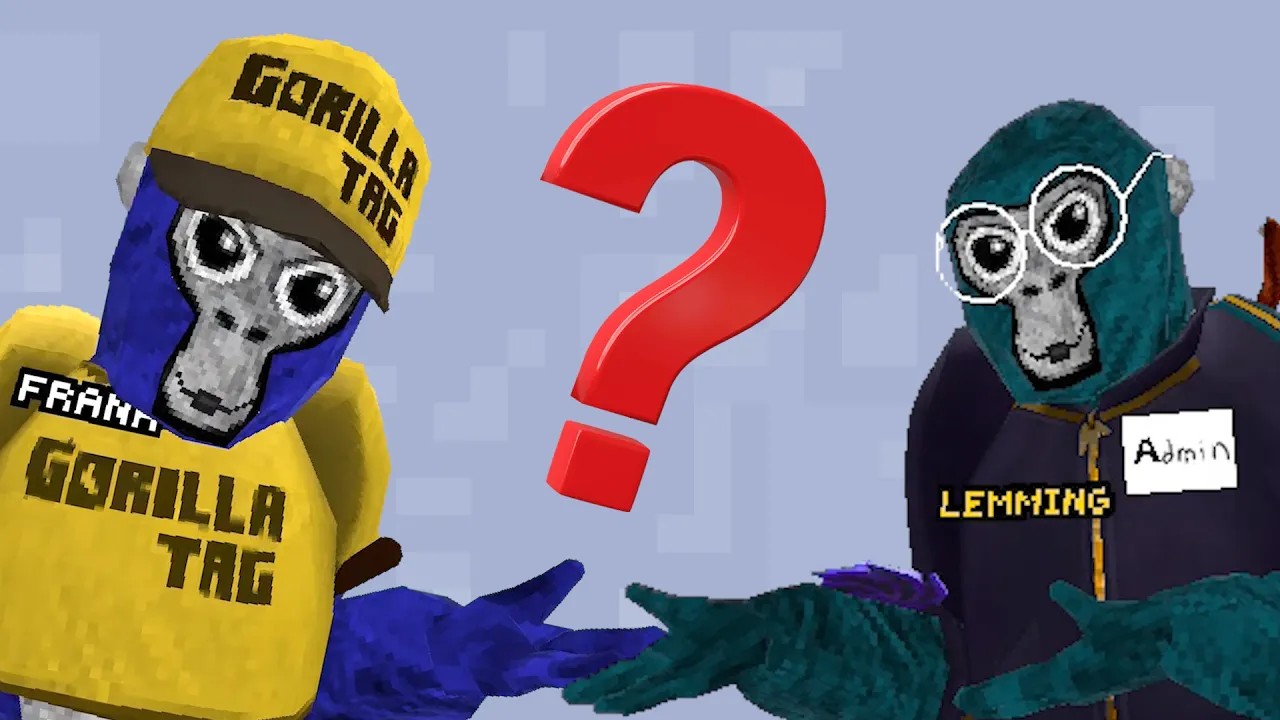
Voice settings matter because Gorilla Tag is public and social by default. The official FAQ says players can mute others from the in-game board, and human voice can be disabled from the in-game computer. If you are new, young, recording content, or just not in the mood for public chatter, start quieter.
A good first-session setup is simple: learn where mute is, learn how to leave a lobby, and decide whether human voice should be on before the player is already overwhelmed. Settings are easiest to manage before the lobby becomes chaos.
Comfort and Session Length
Gorilla Tag does not use standard smooth locomotion, but that does not mean every player will feel comfortable immediately. The fast head movement, climbing, falling, and turning can still feel intense. Start with ten to fifteen minutes. If the player feels dizzy, sweaty in a bad way, or disoriented, stop.
Headset fit also matters. A loose headset makes fast movement blurrier and more frustrating. Tighten the strap enough that the headset stays stable, but not so much that pressure builds around the forehead. If you use an upgraded strap or battery pack, check that it does not shift during arm swings.
Recording and Streaming
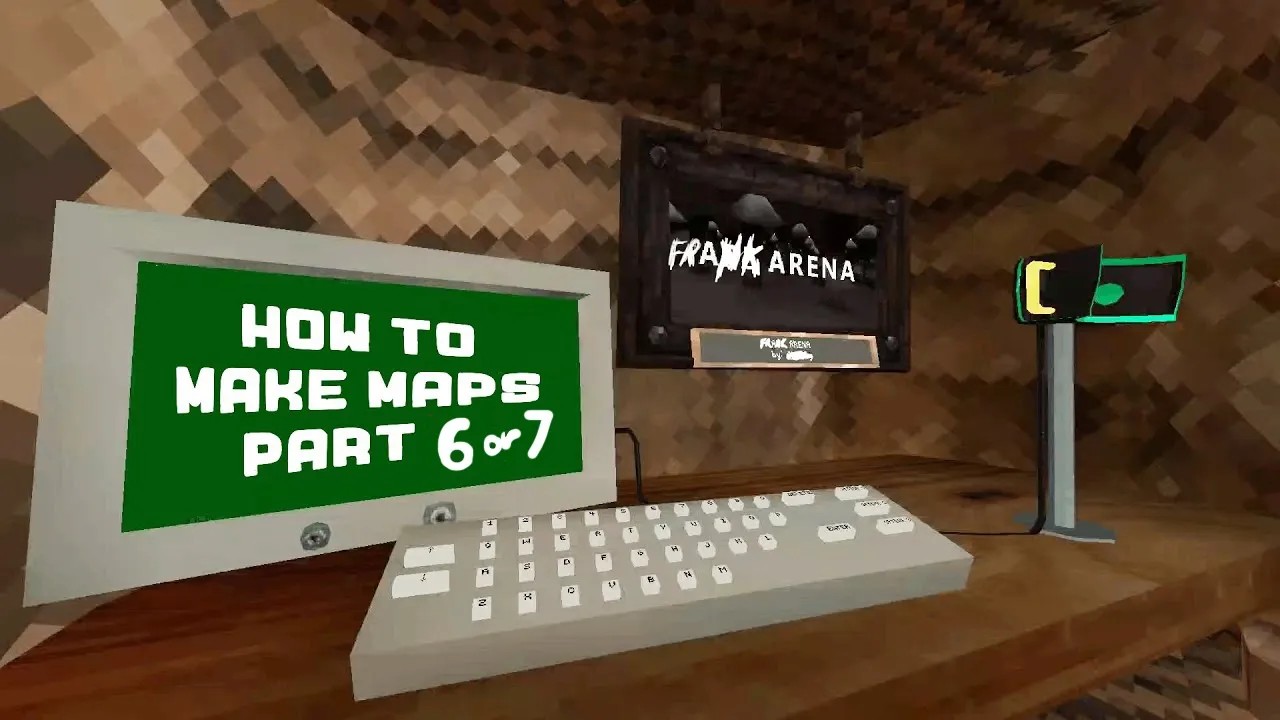
Gorilla Tag is popular for clips, but recording changes behavior. Players often move harder when they know they are capturing footage. If recording, clear extra space, lower the temptation to shout over others, and avoid showing usernames or conversations in a way that creates privacy problems.
For parents, recording should be a separate permission question. Playing a game and publishing a lobby clip are not the same activity.
Best Practical Setup
For most Quest players, the best Gorilla Tag setup is: clear room, conservative boundary, voice plan, short first session, stable headset strap, and a rule that the player stops when the boundary appears repeatedly. That setup does more for the experience than any tiny menu tweak.
Settings Verdict
Gorilla Tag works because it feels loose and physical, but the setup should not be loose. Handle the boring parts first. The game gets more fun when the room is safe, the voice options are understood, and the player can focus on movement instead of fighting the environment.
If today's VR stories push you closer to jumping in, this Meta Quest referral can still give you a $30 credit on an eligible headset purchase.
Continue Reading
Stay in the VR guide loop with these related PlayTechDeep articles.
- Best Games Like Gorilla Tag on Meta Quest: Social VR Picks to Try NextA Meta Quest guide to games like Gorilla Tag for players who want social VR, movement, chaos, co-op, or…
- Is Gorilla Tag Safe for Kids? What Parents Should Check on Meta QuestA parent-focused Gorilla Tag safety guide covering voice chat, conduct rules, k-ID, play space, reporting, and…
- How to Get Better at Gorilla Tag: Movement Drills That Actually MatterA practical Gorilla Tag improvement guide covering movement drills, routes, wall practice, juking, and smart…
- Gorilla Tag on Meta Quest: Complete Guide to the VR Game Everyone Keeps Talking AboutA complete Gorilla Tag Meta Quest guide covering gameplay, safety, movement, settings, cosmetics, and what to…
Related guide: Start with the Gorilla Tag cost, safety, and gameplay answer.