Vuzix Z100 price answer
Vuzix Z100 official specs and price answer: Vuzix’s U.S. product data shows the Z100 Smart Glasses at $499.99 for the checked listing context, with the core official specs summarized below. That price makes the Z100 a workflow-first option: lightweight notifications, captions, translation, and developer/enterprise use cases rather than camera-first social sharing or big-screen AR entertainment.
Compare before buying
If this product is on your shortlist, start with Best Smart Glasses in 2026 for the broad buying answer, then use Smart Glasses Types Explained to compare camera glasses, display glasses, HUD/work glasses, and AI-first glasses. If your main goal is movies, gaming, or a laptop-size private screen, also check Best AR Display Glasses for Movies and Gaming.
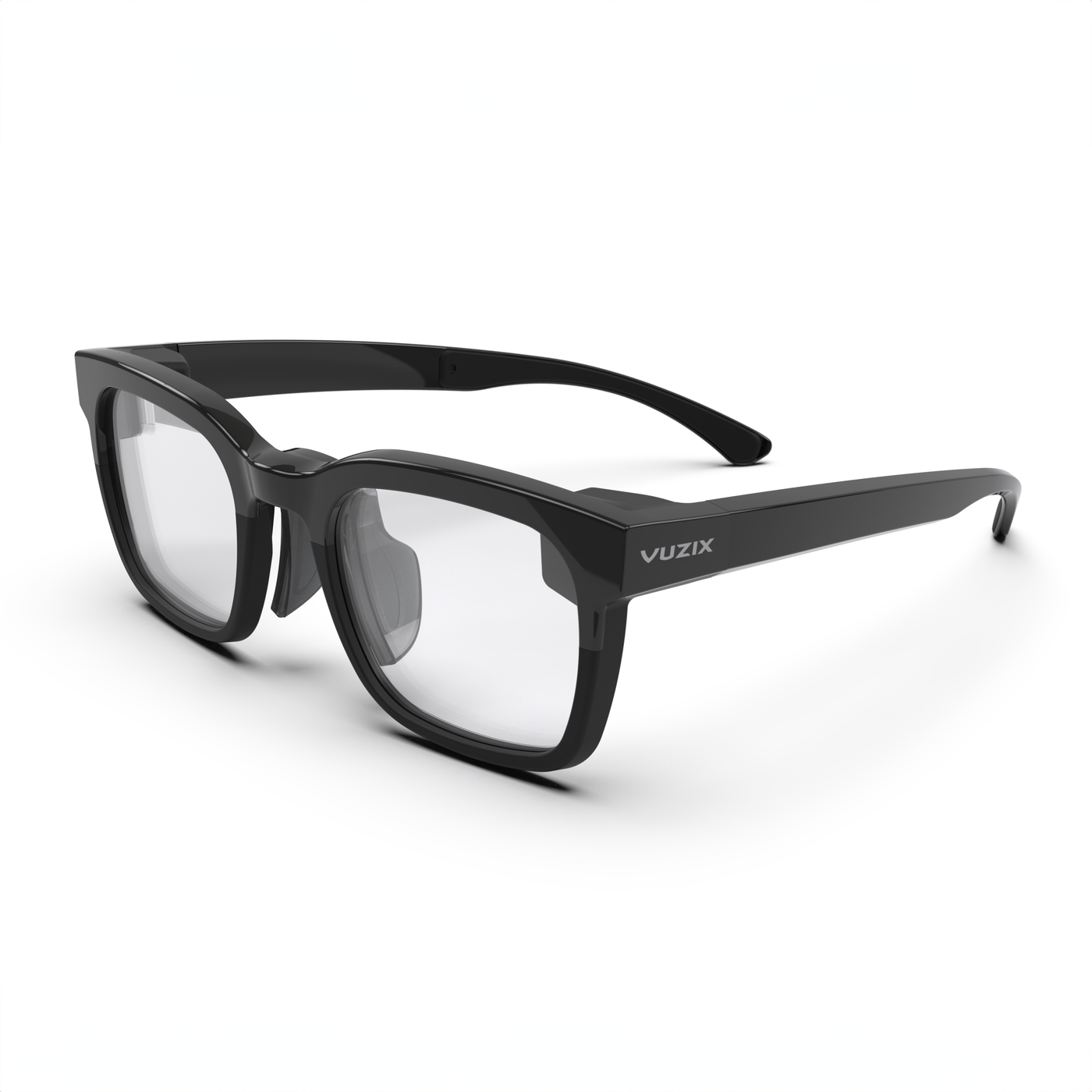
Vuzix Z100 is the kind of smart glasses product that can look underwhelming if you judge it by consumer hype. It does not shoot social video like Ray-Ban Meta. It does not create a huge private screen like XREAL, VITURE, or RayNeo Air. It does not chase full-color AR spectacle like RayNeo X3 Pro. Instead, it focuses on one quiet idea: put small, useful information into a lightweight pair of glasses that can be worn for a real workday.
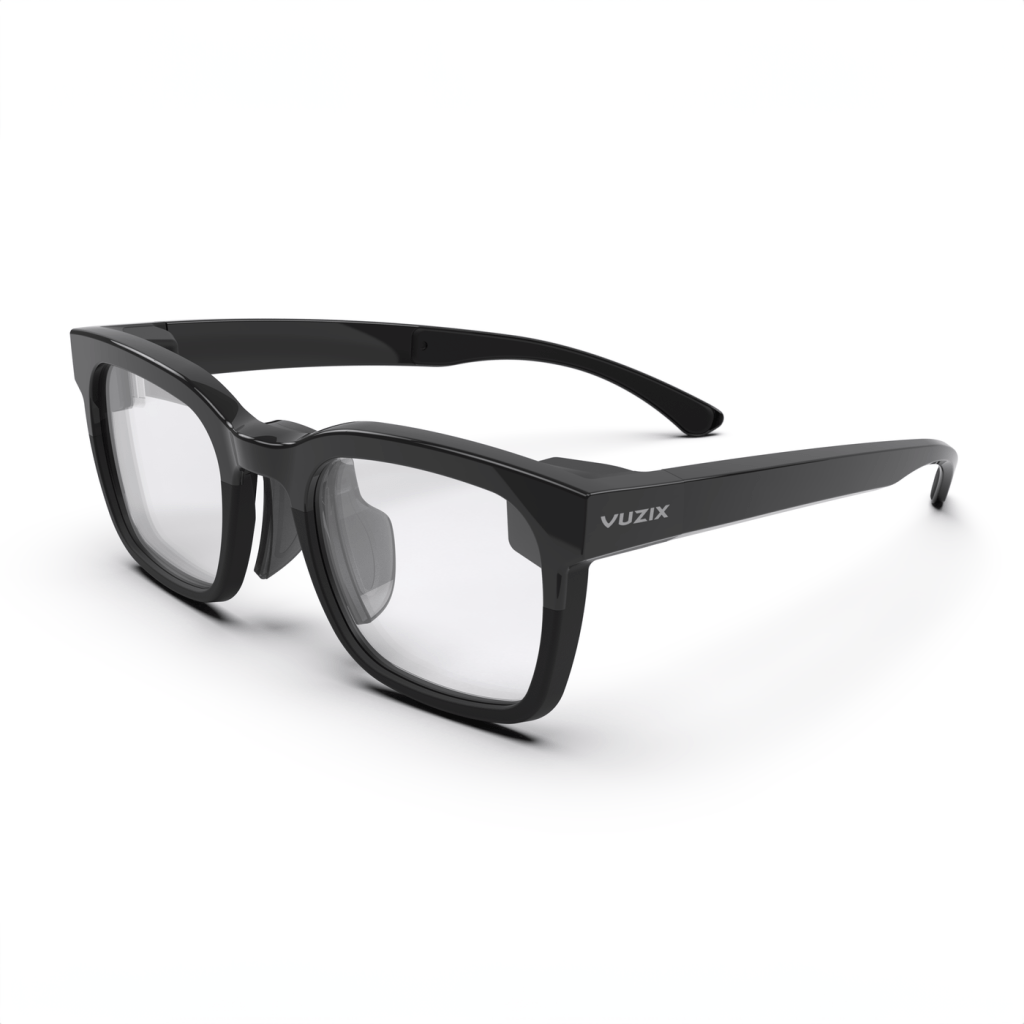
That makes the Z100 one of the cleanest examples of practical smart glasses. It is a 38-gram, single-eye, monochrome MicroLED waveguide display that pairs by Bluetooth to iOS and Android devices, runs through Vuzix Connect and developer SDKs, and targets notifications, captions, translation, navigation, task confirmations, workflow prompts, AI dashboards, and enterprise data feeds.
What Vuzix Z100 is
Vuzix Z100 is a lightweight heads-up display pair of smart glasses. The official product page describes it as all-day AI smart glasses built to connect workers with artificial-intelligence optimization tools. Vuzix announced general availability in November 2024 at $499, and the product listing currently shows clear and tinted versions with the same $499.99 price context.
The most important thing to understand is that the Z100 is a peripheral display, not a full standalone computer. Vuzix developer documentation says the Z100 connects to a mobile device, which handles the application processing and sends instructions over Bluetooth to the glasses. That keeps the glasses light and battery-efficient, but it also means the phone or connected device remains part of the system.
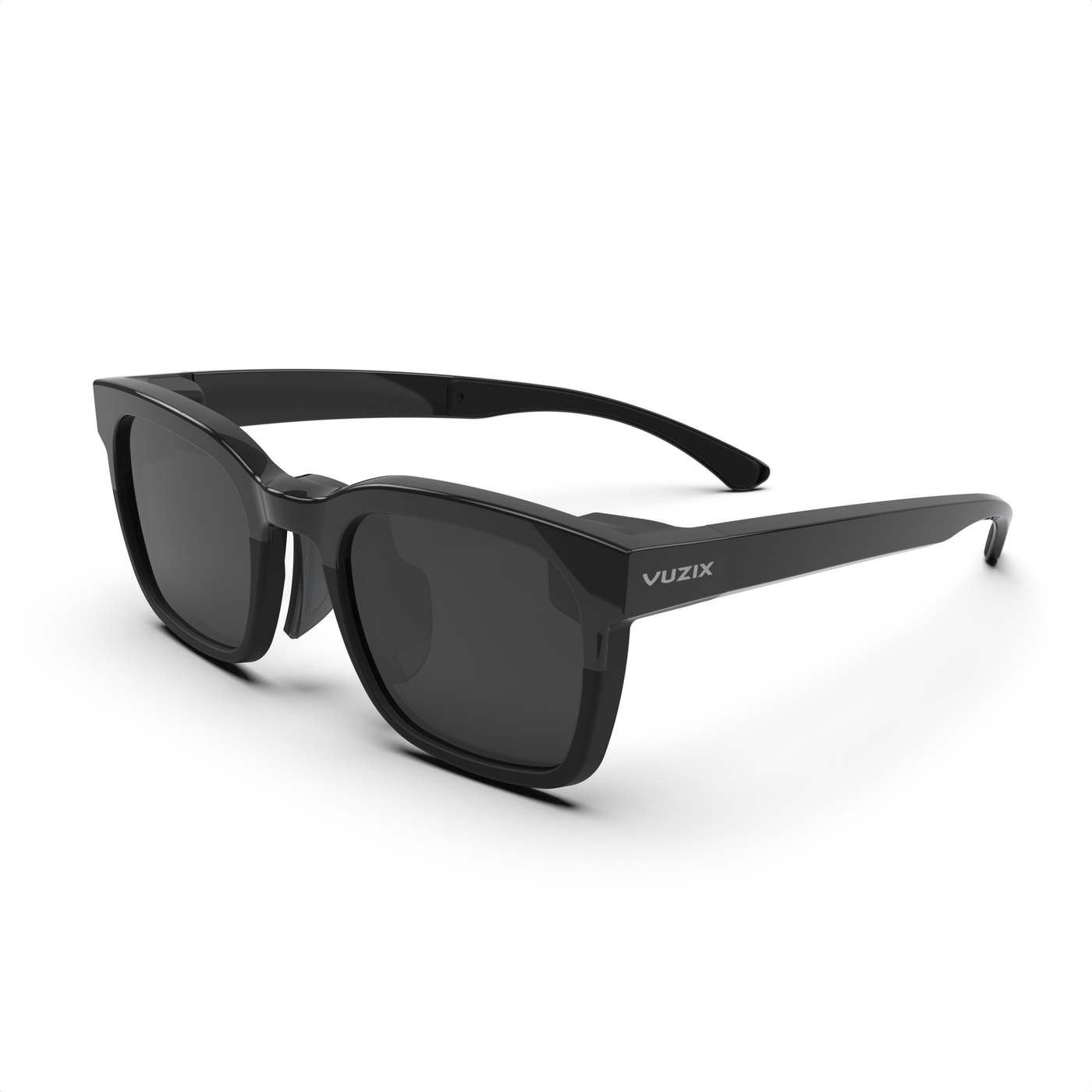
The core specs that matter
- Current U.S. price context: Vuzix announced general availability at $499, and the product listing shows $499.99 variants.
- Weight: 38 grams according to Vuzix’s general availability announcement.
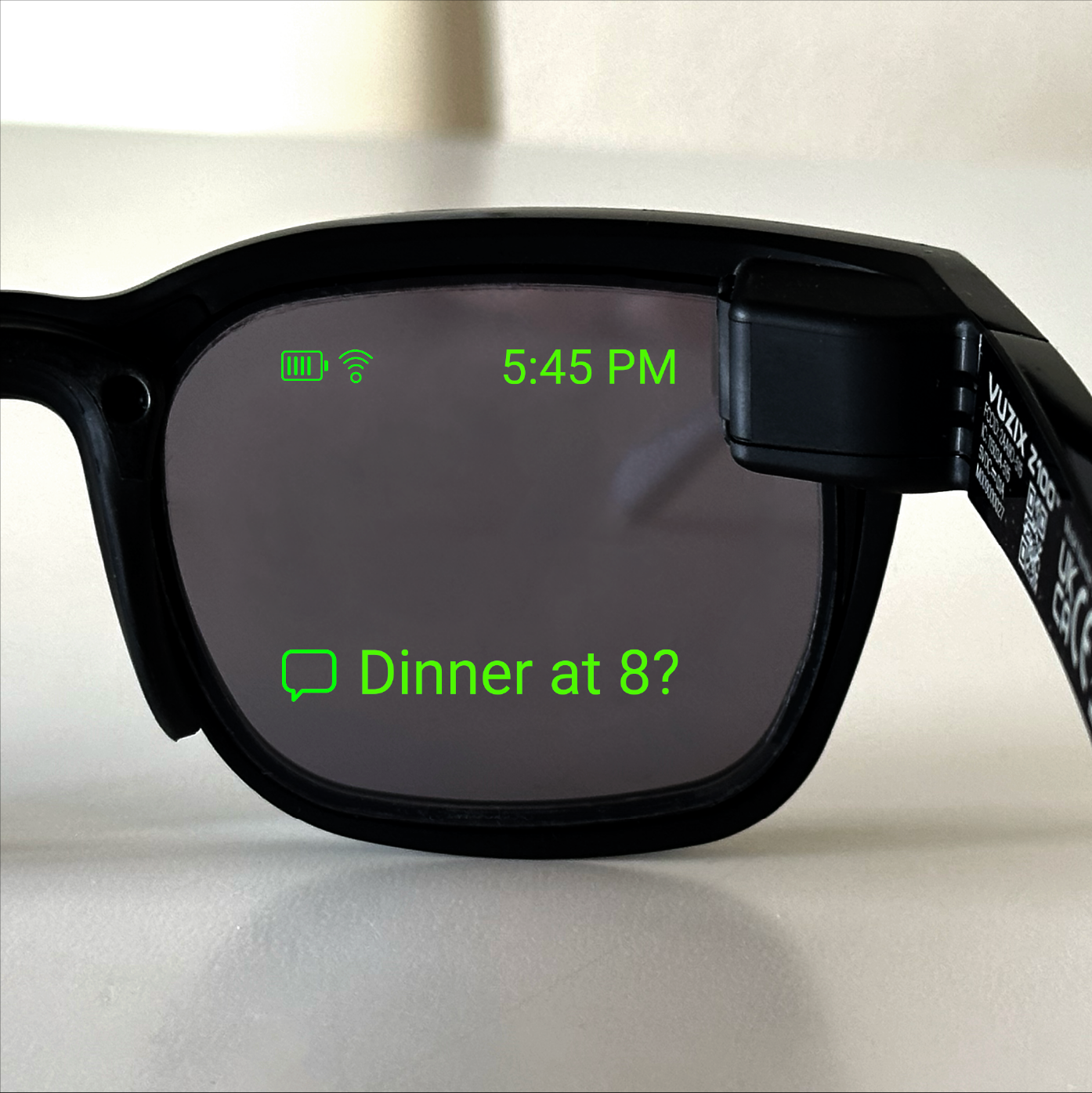
- Display: transparent monochrome green MicroLED waveguide display.
- Resolution: 640 x 480.
- Field of view: 30 degrees.
- Eye placement: right-eye display.
- Battery: Vuzix advertises up to 48 hours / 2+ days of use on a single charge.
- Connectivity: Bluetooth Low Energy.
- Controls: temple touch tap sensor.
- Phone support: pairs with Android and iOS devices through Vuzix Connect and developer SDKs.
- Developer support: Android and iOS SDKs, sample apps, and sample code.
- Prescription support: prescription inserts are available.
- Workplace positioning: Vuzix describes the glasses as safety-glasses-certified and built for enterprise workflows.
Why monochrome is not automatically bad
A monochrome green display sounds old-fashioned next to RayNeo X3 Pro’s full-color MicroLED waveguide optics or Meta Ray-Ban Display’s consumer HUD story. But Z100 is not trying to replace a screen. It is trying to show just enough information: a message, a direction arrow, a number, a task confirmation, a caption line, a translation, or a simple alert.
For that job, monochrome can be a feature. It reduces visual clutter, saves power, and keeps the experience closer to a glance than a session. The Z100 is at its best when the user does not want to stop working, pull out a phone, or look away from the real environment.
Why the 48-hour battery claim matters
Battery life is one of the biggest problems in smart glasses. RayNeo X3 Pro shows how impressive AR features can become less practical when runtime is fragile. Vuzix takes the opposite route. By using a limited monochrome display, BLE connectivity, and external phone processing, the Z100 can claim up to 48 hours of use.
That makes the product feel less like a demo and more like equipment. A warehouse worker, technician, nurse, logistics operator, or delivery worker cannot treat glasses like a toy that dies before lunch. Long battery life is not glamorous, but it may be the reason this design makes more sense in real workplaces.
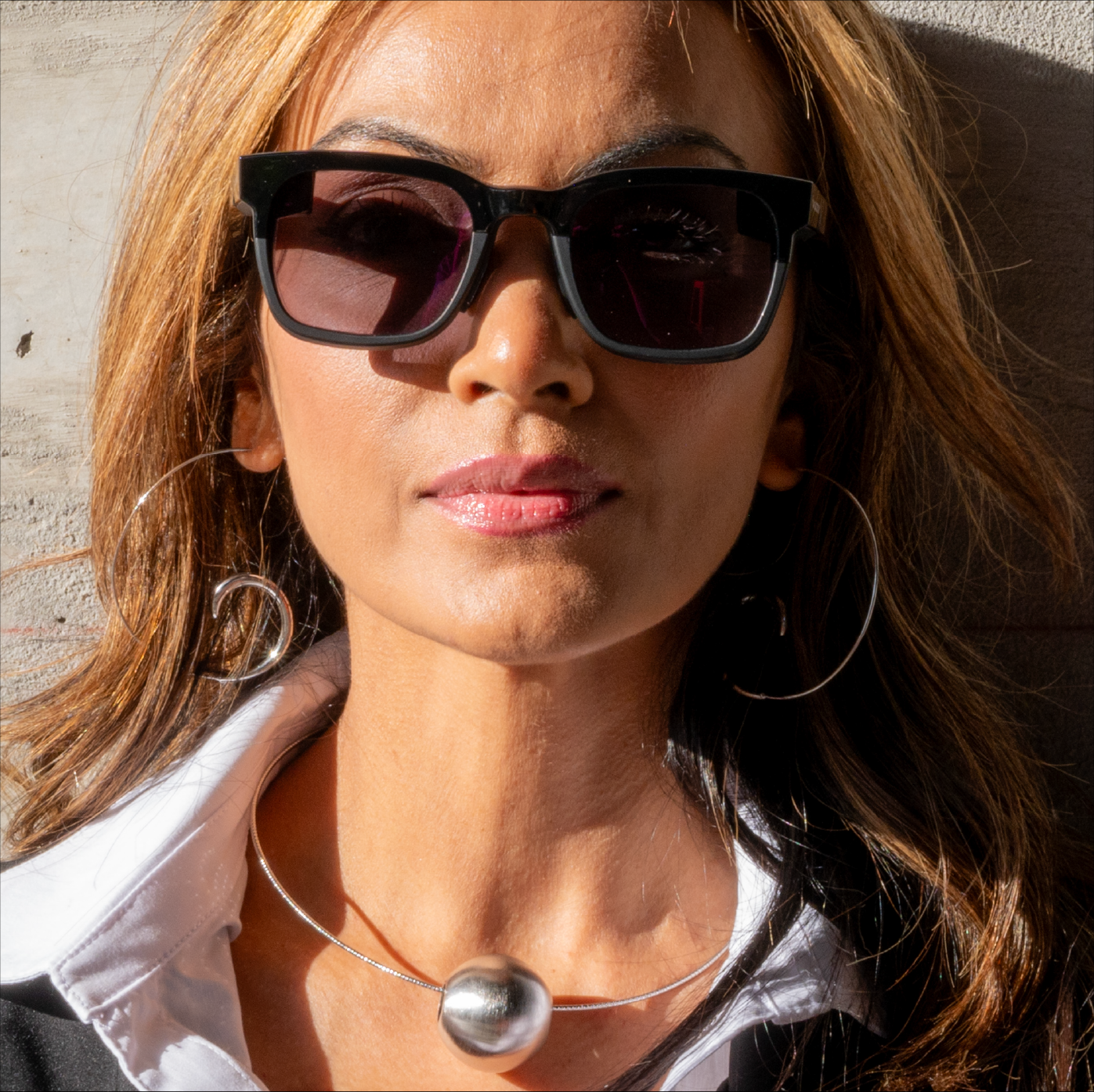
The enterprise angle is the main angle
Vuzix has always been stronger in enterprise and industrial smart glasses than in influencer-style consumer hype. The Z100 continues that pattern. The official announcement talks about frontline workers receiving workflow updates, task confirmations, AI-optimized prompts, scanner data, sensor feeds, messaging, and notifications without leaving the work context.
That may sound less exciting than a camera or full-color AR demo, but it is probably more deployable. A worker does not need a 201-inch virtual movie screen. They may need the next pick location, a warning, a translation, a checklist step, a hands-free message, or a status update. The Z100 is built for that kind of narrow, repeated usefulness.
Developer support is the hidden strength
Vuzix’s developer overview says developers can send text data, images, and simple animations to the Z100, monitor the screen state, detect frame taps, and monitor battery or charger state. That is not a flashy app-store pitch, but it is exactly what many workplace developers need: a small output device they can integrate into an existing phone app or workflow system.
The Vuzix and Mentra AugmentOS announcement also matters here. AugmentOS was positioned as a universal smart-glasses operating system with real-time captions, translation, proactive AI assistance, smart notifications, AI dashboards, and a developer platform. For Z100, that partnership makes the glasses more interesting than a simple notification mirror.
Vuzix Z100 vs Mentra Live
Mentra Live and Vuzix Z100 are natural neighbors because Mentra’s platform can work with Z100 and both products care about openness. But the hardware philosophies differ. Mentra Live is camera-and-audio smart glasses for streaming, apps, field documentation, and open development. Vuzix Z100 is a display-first peripheral for glanceable work data.
Choose Mentra Live if you need POV video, audio, livestreaming, or camera-based workflows. Choose Z100 if the main requirement is lightweight heads-up text, notifications, captions, or simple task data with long battery life.
Vuzix Z100 vs Even Realities G2
Even Realities G2 is the more lifestyle-friendly quiet HUD. It is camera-free, stylish, and focused on personal productivity, translation, reminders, teleprompting, and discreet AI. Vuzix Z100 is more enterprise and developer oriented. It looks more like a work tool and less like a premium lifestyle product.
For an individual buyer, Even G2 may be easier to imagine wearing in daily life. For a company deploying workflow prompts, Z100 may be easier to justify.
Vuzix Z100 vs Ray-Ban Meta
Ray-Ban Meta is better for consumers who want photos, video clips, calls, music, Meta AI, and a familiar eyewear brand. Vuzix Z100 is better for people who do not need a camera and want information in view. They are not really competitors in mood. Ray-Ban Meta is social. Z100 is operational.
That difference is useful for buyers. If you keep asking whether Z100 has a good camera, you are asking the wrong question. The better question is whether your work or daily workflow benefits from small information appearing at eye level.
Who should consider Vuzix Z100
- Enterprise teams that need hands-free task prompts, updates, scanner data, or workflow confirmations.
- Developers who want a lightweight secondary display for an iOS or Android app.
- Accessibility and captioning builders interested in simple, always-available text output.
- Workers who need all-day wear more than entertainment or social capture.
- Smart-glasses watchers who want to understand the practical HUD branch of the category.
Who should skip it
- Camera-first consumers who should look at Ray-Ban Meta, Solos AirGo V2, Mentra Live, or Xiaomi AI Glasses.
- Movie and gaming users who need XREAL, VITURE, RayNeo Air, or Rokid AR Spatial instead.
- People who want full-color AR and should compare RayNeo X3 Pro or Meta Ray-Ban Display concepts.
- Fashion-first buyers who want smart glasses that feel like luxury eyewear.
- Casual buyers who do not have a clear use case for glanceable text, captions, or workflow prompts.
Bottom line
Vuzix Z100 is not the loudest smart glasses product in this series, and that is the point. It is lightweight, long-lasting, monochrome, developer-friendly, and aimed at workflows where a tiny amount of information at the right moment is more valuable than a big screen or a viral camera clip.
For most consumers, Z100 is probably too specific. For companies, developers, and practical wearable-computing fans, it is important. It shows a path where smart glasses do not need to become mini phones or face cameras. Sometimes the winning feature is simply this: the right line of information appears without making you stop what you are doing.
Continue Reading
For a broader comparison, these related smart glasses articles are the best next stops.
- Ray-Ban Meta vs Oakley Meta vs XREAL vs Vuzix: Smart Glasses Types ExplainedA smart glasses type guide that explains the difference between AI camera glasses, sports glasses…
- Even Realities G2 Guide: The Camera-Free Smart Glasses for Focus, Translation, and Quiet AIA U.S.-focused Even Realities G2 guide covering the $599 price, 36g camera-free design, Micro-LED…
- Halliday DigiWindow Glasses Guide: The $499 AI Glasses With a Tiny Hidden DisplayA U.S.-focused Halliday DigiWindow Glasses guide covering the $499 price, 28.5g design, DigiWindow…
- Mentra Live Guide: The Open-Source Smart Glasses Built for Apps, Streaming, and Field WorkA U.S.-focused Mentra Live guide covering price, MentraOS, MiniApp Store, HD camera…