Mentra Live price answer
Mentra glasses price answer: Mentra’s official product page shows Mentra Live at $349 in the U.S. price context checked for this update. The buying question is whether you want a screenless, developer-friendly AI camera glasses platform with MentraOS and streaming workflows, or a more polished mainstream camera product such as Ray-Ban Meta.
Compare before buying
If this product is on your shortlist, start with Best Smart Glasses in 2026 for the broad buying answer, then use Smart Glasses Types Explained to compare camera glasses, display glasses, HUD/work glasses, and AI-first glasses. If your main goal is movies, gaming, or a laptop-size private screen, also check Best AR Display Glasses for Movies and Gaming.
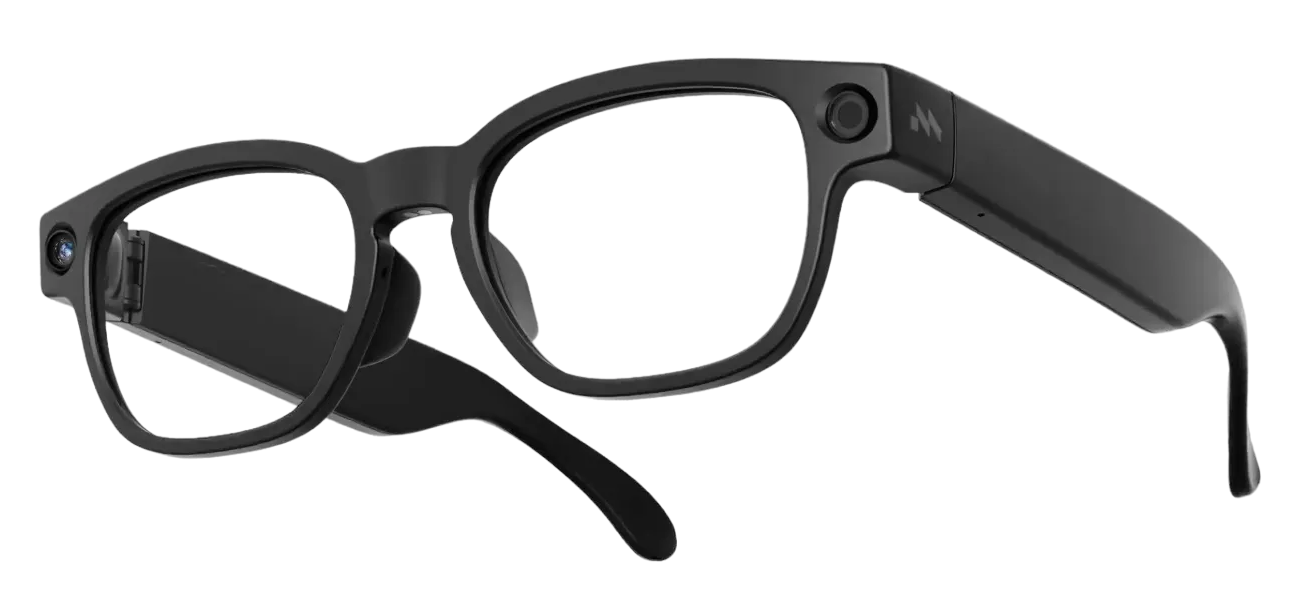
Mentra Live is one of the more interesting smart glasses to add after Ray-Ban Meta, Solos AirGo V2, Rokid AI Glasses Style, and Xiaomi AI Glasses because it does not pitch itself as another closed camera accessory. Its main idea is different: smart glasses should work more like an open app platform.
That makes Mentra Live less polished-looking than a fashion-first product, but more strategically important for people who care about developer access, work deployments, livestreaming, captions, translation, field documentation, and custom AI workflows. It is not trying to be a tiny cinema. It is trying to be a camera-and-audio smart glasses platform that other people can build on.
What Mentra Live is
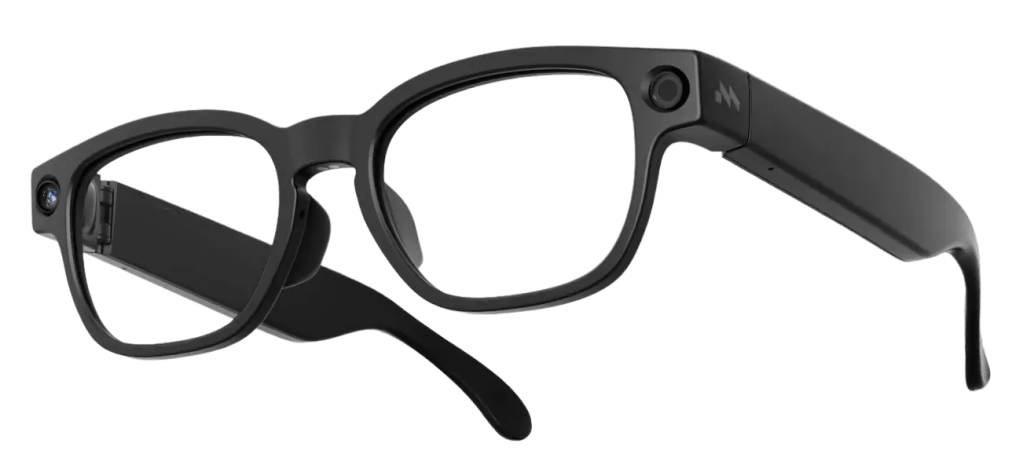
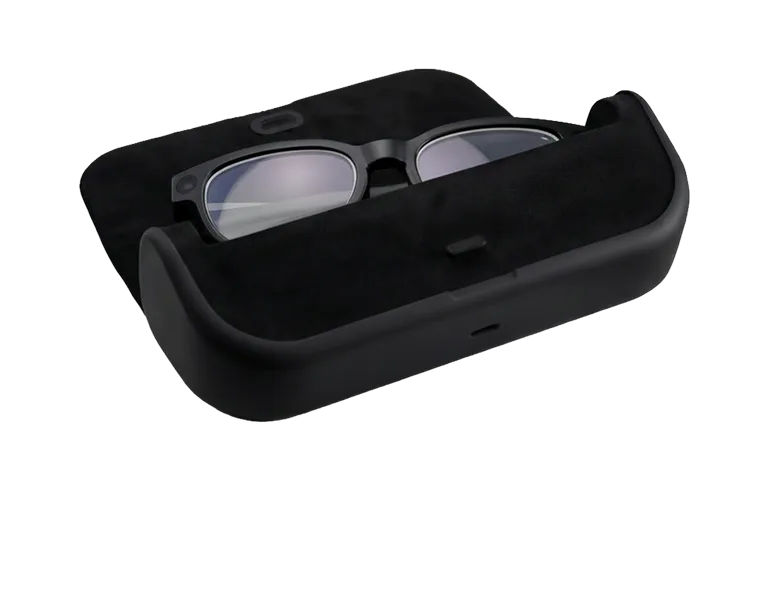
Mentra Live is a screenless pair of camera smart glasses running MentraOS. The current Mentra product page lists the price at $349 and says the glasses ship in 1-2 days. The core hardware includes an HD camera, stereo speakers, microphones, Wi-Fi, Bluetooth, a 260mAh glasses battery, a 2,200mAh charging case, and support for iOS and Android through the Mentra app.
The key distinction is software. Mentra says the glasses run an open-source smart glasses platform with a full SDK and MiniApp Store. That means the value is not only what the glasses do on day one. The value is whether developers, teams, and power users can create new uses that closed consumer glasses do not allow.
The core specs that matter
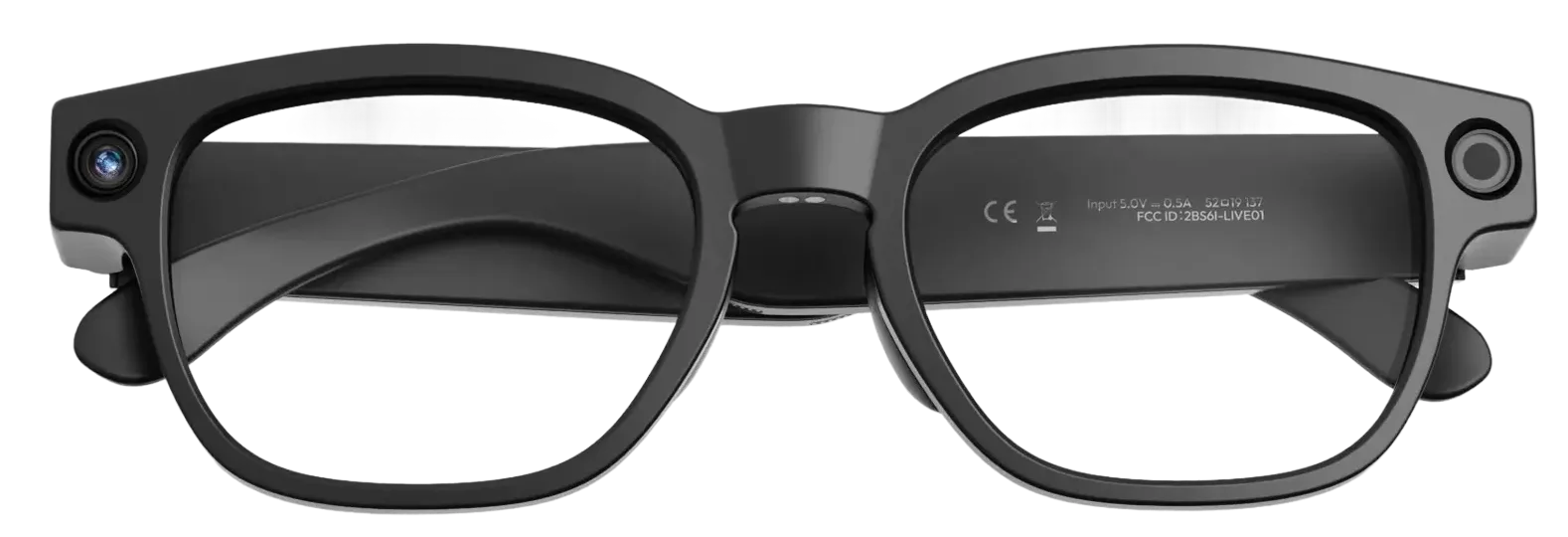
- Current official price: $349 on Mentra’s live product page at the time checked.
- Product type: screenless camera smart glasses with audio, AI, and app platform support.
- Weight: 43 grams on Mentra’s current page.
- Camera: 119-degree field of view, 1080p video, and 3264 x 2448 still images listed by Mentra.
- Audio: stereo speakers and three microphones.
- Controls: two buttons and a touch swipe bar.
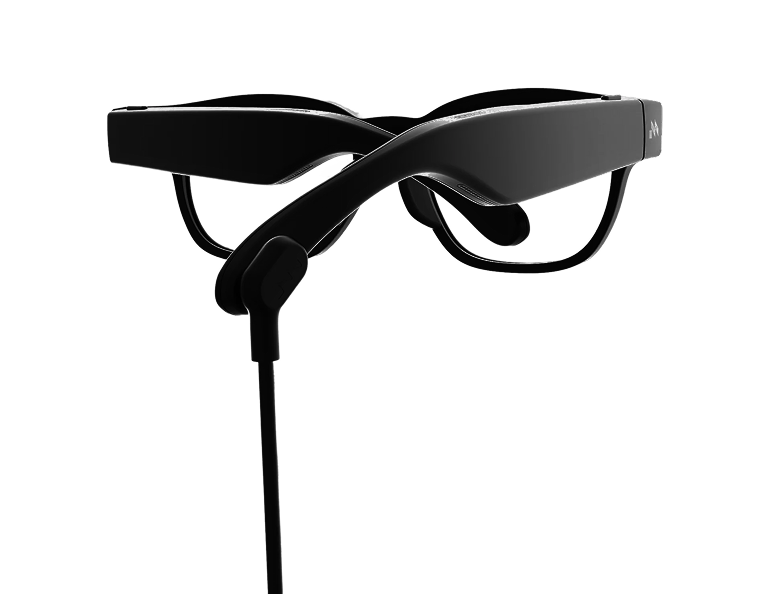
- Battery: 260mAh in the glasses and 2,200mAh in the included charging case.
- Runtime claim: Mentra describes 12+ hours mixed use, helped by the screenless design and charging accessories.
- Connectivity: Wi-Fi and Bluetooth.
- Compatibility: iOS 15.1+ and Android 12+ according to Mentra.
- Prescription: Mentra says local opticians can swap lenses for small volumes, with larger deployment support available through partners.
- Software: MentraOS, full SDK support, and MiniApp Store.
Why no display is the point
Mentra Live does not have a display, and that is not a missing feature by accident. Mentra’s own FAQ frames this as a deliberate choice: displays add weight and drain battery. In exchange, Mentra Live tries to stay lighter, more comfortable, and more practical for long camera/audio workflows.
That puts it in a different category from XREAL, VITURE, RayNeo Air, and Rokid AR Spatial. Those products are for looking at screens. Mentra Live is for capturing, streaming, asking, listening, taking notes, and building new wearable workflows. If you want a virtual monitor, skip it. If you want an open camera glasses platform, it becomes more interesting.
MentraOS is the real product
The hardware is useful, but MentraOS is the more important story. Mentra’s platform page describes use cases such as hands-free AI copilots for technicians, real-time diagnostics, repair guidance, video calls for field workers, delivery workflows, proof-of-delivery capture, and custom app deployments.
That is a different buyer than a typical Ray-Ban Meta shopper. A consumer may want music, calls, photos, and AI questions. A business or developer may want a wearable camera that can connect to a custom process, a support team, a checklist, or a private tool. Mentra Live is much easier to understand if you imagine a technician, inspector, trainer, streamer, or developer wearing it.
The MiniApp Store angle
Mentra repeatedly emphasizes its MiniApp Store. The iOS App Store listing describes Mentra as a place to get apps for smart glasses, including livestreaming, live captions, AI notes, translation, teleprompter, calendar reminders, running and cycling stats, and more. The listing also mentions compatibility beyond Mentra Live, including Even Realities G1 and Vuzix Z100.
That is important because the best smart glasses may not be the ones with the flashiest launch feature. They may be the ones whose capabilities keep changing. A MiniApp Store gives Mentra a path to become useful in odd, specific ways: a warehouse checklist app, a live caption app for accessibility, a livestreaming tool, a field-inspection recorder, or a custom AI note-taker.
Livestreaming is the loud feature
Mentra Live has attracted attention because it can livestream POV video to platforms such as YouTube, Twitch, X, TikTok, and other destinations. TechSpot and 9to5Google both covered that angle, and it makes sense: hands-free POV streaming is a clear, easy-to-understand feature that separates the glasses from simple photo capture.
For creators, that is useful. For workers, it may be even more useful. A remote expert can see what the wearer sees. A trainer can review a task. A field worker can document a site. A streamer can broadcast without holding a phone. The same hardware can look silly in one context and genuinely practical in another.
Privacy and social comfort
Camera glasses always need a privacy conversation. Mentra Live’s open platform does not remove that issue. If anything, livestreaming makes the etiquette more important. People around the wearer should understand when recording or streaming is happening, and organizations using the glasses for field work need clear rules about consent, storage, access, and retention.
The good news is that Mentra’s business positioning makes that discussion more explicit. In a workplace, camera-glasses policies can be written. In public social use, the burden is on the wearer to be respectful. That is true for Mentra, Ray-Ban Meta, Solos, Xiaomi, and every other camera glasses product.
Mentra Live vs Ray-Ban Meta
Ray-Ban Meta is the safer mainstream consumer product. It has stronger fashion credibility, a mature consumer app, Meta AI, social capture, and a massive brand partnership. If someone wants smart glasses for everyday photos, music, calls, and casual AI, Ray-Ban Meta is easier to recommend.
Mentra Live wins only if openness matters. The SDK, MiniApp Store, deployment angle, charging accessories, and field-work positioning make it feel less like a fashion accessory and more like a wearable development platform. That is not better for everyone. It is better for people who feel boxed in by closed ecosystems.
Mentra Live vs Solos AirGo V2
Solos AirGo V2 is also camera-based and AI-focused, but it feels more consumer-assistant oriented. Solos leans on multimodal AI, SmartHinge modularity, accessibility possibilities, and a familiar glasses shape. Mentra Live leans on app deployment, livestreaming, SDK access, and business workflows.
If you want a smart assistant on your face, Solos may be the cleaner pitch. If you want glasses that can become a custom tool, Mentra is the more interesting lane.
Mentra Live vs Brilliant Labs Halo
Brilliant Labs Halo and Mentra Live share an open-source energy, but they aim at different problems. Halo includes a small display, Noa, Narrative memory, and a more experimental personal AI layer. Mentra Live drops the display and focuses on camera, audio, streaming, app store, and deployment flexibility.
Halo feels like a personal AI experiment. Mentra Live feels like a field-work and creator platform. Both are more interesting to builders than to casual buyers who just want a stylish pair of sunglasses.
Who should consider Mentra Live
- Developers who want an open smart glasses SDK and app-store concept.
- Field teams that need hands-free video, notes, remote support, or documentation.
- Creators who want POV livestreaming without holding a phone.
- Accessibility users and builders interested in captions, translation, and custom audio/camera tools.
- Privacy-conscious platform watchers who dislike fully closed smart-glasses ecosystems.
Who should skip it
- People who want a display; Mentra Live has no screen by design.
- Fashion-first buyers who want a Ray-Ban or Oakley-style consumer look.
- Movie and gaming users who should look at XREAL, VITURE, RayNeo Air, or Rokid AR Spatial instead.
- Casual buyers who do not care about apps, SDKs, deployments, or livestreaming.
- Anyone uncomfortable with camera glasses in public or workplace settings.
Bottom line
Mentra Live is not the smart glasses product I would recommend to every reader. It is not trying to be the most fashionable. It is not a wearable cinema. It does not have a display. Its value depends heavily on whether the open platform, MiniApp Store, SDK, streaming, and field-work angle matter to you.
That is exactly why it belongs in this smart glasses series. The future of the category will not be only one product shape. Some glasses will be stylish camera accessories. Some will be private screens. Some will be tiny HUDs. Mentra Live represents another path: open, programmable, camera-and-audio glasses for people who want to build, stream, deploy, and customize. For the right buyer, that is much more interesting than another closed pair of AI shades.
Continue Reading
For a broader comparison, these related smart glasses articles are the best next stops.
- Ray-Ban Meta vs Oakley Meta vs XREAL vs Vuzix: Smart Glasses Types ExplainedA smart glasses type guide that explains the difference between AI camera glasses, sports glasses…
- Vuzix Z100 Guide: The 38-Gram Smart Glasses Built for Quiet Workflows, Not HypeA U.S.-focused Vuzix Z100 guide covering price, 38g design, 48-hour battery claim, monochrome…
- Even Realities G2 Guide: The Camera-Free Smart Glasses for Focus, Translation, and Quiet AIA U.S.-focused Even Realities G2 guide covering the $599 price, 36g camera-free design, Micro-LED…
- Halliday DigiWindow Glasses Guide: The $499 AI Glasses With a Tiny Hidden DisplayA U.S.-focused Halliday DigiWindow Glasses guide covering the $499 price, 28.5g design, DigiWindow…