
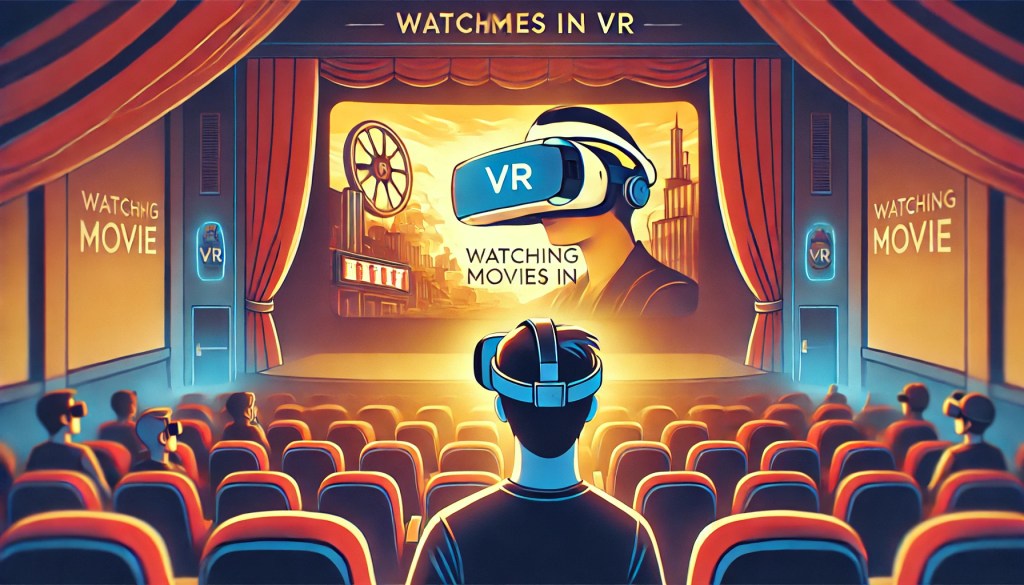
I used to be a huge movie buff, visiting the theater every week to catch the latest blockbusters and indie films. But things have changed. If you’re like me, you might have stopped going to the cinema for similar reasons: ticket prices have skyrocketed, and streaming services like Netflix make it easy to enjoy content from home. Plus, some movies now debut on platforms like Disney+ before even hitting theaters!
Yet, I still miss the immersive experience of a theater—the massive screen that fills my vision and the powerful surround sound. Unless you have a private home theater (lucky you! 😆), it’s hard to replicate that feeling at home. But here’s where VR comes in! With no physical screen size limitations, VR lets you enjoy movies in a way that feels just like being at the cinema. I’ve watched numerous films in VR, and I’m here to share my experience, including its Pros, Cons, and some useful tips to enhance your viewing experience.
Best Platforms for VR Movie Watching 🎥
🔹 YouTube & Netflix
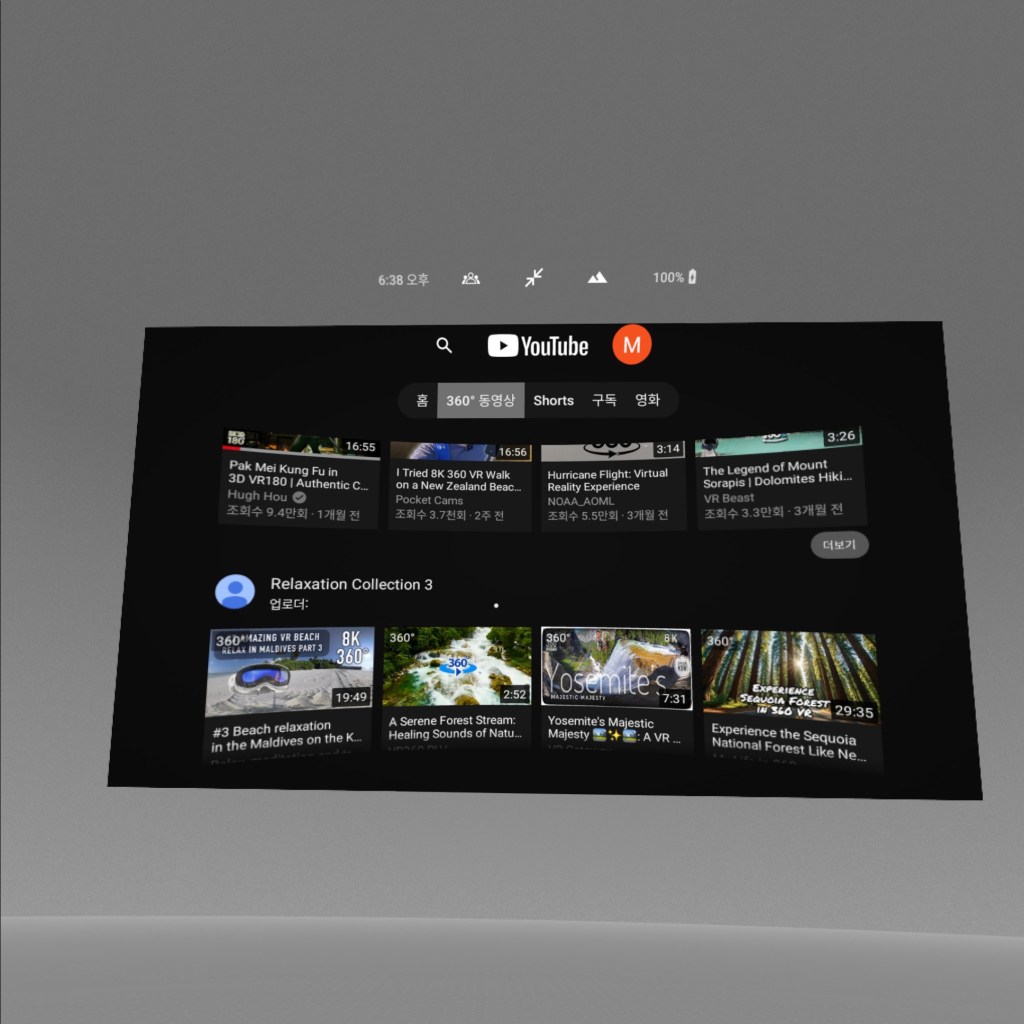
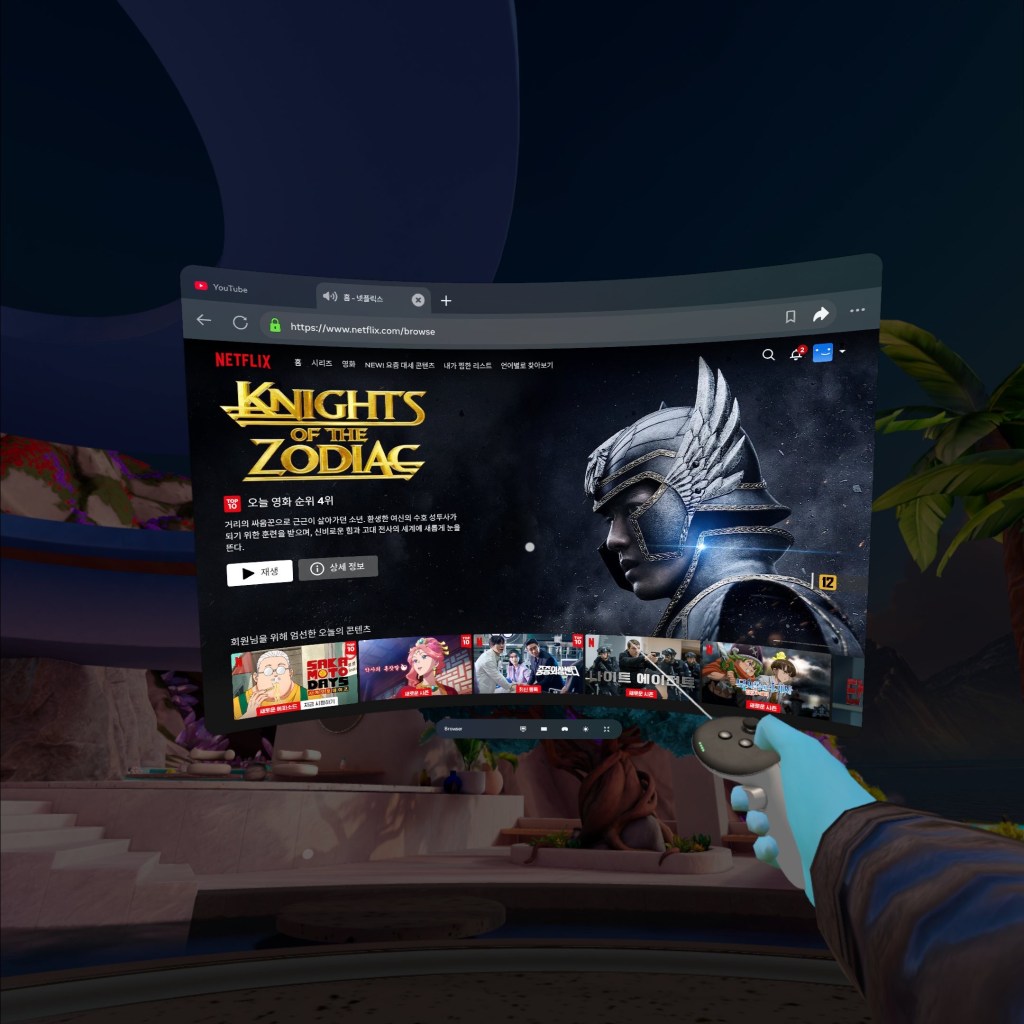
I primarily use YouTube and Netflix for watching movies and other content like variety shows, anime, vlogs, and dramas. Most platforms should work similarly, though.
- YouTube has dedicated VR content, including documentaries and travel experiences—perfect if you’re into breathtaking visuals. VR 360-degree videos let you feel like you’re actually inside the scene, making for an incredible viewing experience.
- Netflix doesn’t have a standalone VR app, but you can access it through a web browser. Just add it to your bookmarks for quick access! While it lacks dedicated VR features, the sheer volume of content available makes it a great choice.
Other platforms like Prime Video, Disney+, and Hulu can also be accessed through web browsers, so you’re not limited to just YouTube and Netflix.
Pros of Watching Movies in VR 👍
🎥 Massive Screen Experience
The biggest advantage is the gigantic screen size that even high-end monitors can’t match. You can scale it from a standard monitor size to an overwhelming IMAX-like experience. Watching a visually stunning movie in VR makes scenes feel larger than life, like a giant tidal wave crashing toward you! 🌊
You also have complete control over screen size and positioning, meaning you can create the ideal viewing setup for any type of content. Whether it’s a close-up, theater-like experience or a relaxed distant screen, VR allows you to fine-tune your settings for maximum comfort.
🌌 Cinema Mode for Maximum Immersion
You can adjust the background to be completely dark, simulating a real movie theater. This eliminates distractions, enhances immersion, and ensures even dark scenes remain clear—unlike watching on a monitor in a bright room. Plus, there are no annoying phone screens lighting up nearby like in a real theater! 🤩
Some VR apps even let you customize the virtual environment, so you can choose between a classic movie theater, a cozy living room, or even a scenic outdoor setting to match your mood. The added flexibility makes every viewing session unique.
⚙️ Customizable Screen Settings
VR lets you tweak not just size, but also position, curvature, and distance. Want a curved screen? No problem. Prefer it closer to your face or floating above your bed? You can set that up! Even if you move around, the screen remains locked in place, making it feel like a real, physical setup.
A particularly useful feature is the ability to lock the screen in space, meaning it stays in a fixed position no matter how you move your head. This is great for lying back and watching a movie in bed without needing to constantly adjust your view.
Cons of Watching Movies in VR 👎
🏋️ Heavy & Bulky Headset
Despite advancements, VR headsets aren’t super comfortable for long periods. For example, the Meta Quest 3 weighs 513g, and you have to maintain a posture that keeps the headset stable. Unlike watching movies on your phone, you can’t just lie on your side comfortably.
Extended VR sessions can also cause eye strain or motion sickness for some users, especially if the headset isn’t adjusted properly. Taking breaks between movies can help alleviate this issue.
✋ Limited Hand Use
Interacting in VR relies on controllers or hand tracking. If you’re watching a movie without holding the controllers, your hand movements may accidentally trigger menu pop-ups—super annoying if you’re trying to relax while snacking on popcorn! 🍿
Additionally, simple tasks like adjusting volume or pausing the video require using the controllers, which isn’t as convenient as tapping a button on a remote.
👥 Solo Viewing Only
If you love watching movies with friends, family, or a partner, VR might not be ideal. You can’t chat, share reactions, or laugh together face-to-face. It’s a solitary experience, which might feel isolating for social viewers.
However, some platforms like Bigscreen VR allow you to watch movies with friends in a virtual theater setting, making it possible to share the experience remotely.
🔊 Lack of Surround Sound
While VR headsets have built-in speakers, they don’t match the deep, immersive surround sound of a real theater. However, you can improve this by connecting external speakers for a better audio experience! 🎧
For those who crave cinematic audio, investing in high-quality VR-compatible headphones can significantly enhance the experience, making it feel more like a true theater.
Final Thoughts 🤔
I mainly use VR for watching blockbusters, nature videos, and even anime when I want to fully relax. It’s especially great when I just want to lie back and do nothing—perfect for those lazy days! My personal tip? Try sitting on your bed with your back against the headboard and let the headset rest slightly on the headboard for extra comfort. You’ll feel completely at ease while enjoying your virtual cinema.
If you’re curious about how to set up your VR device for the best movie experience, check out this guide: 📌 How to Enjoy VR Content – My 3-Month Experience
Hope you enjoy your VR cinema journey as much as I do! 🍿🎬
 PlayTechDeep VR
Leave a comment