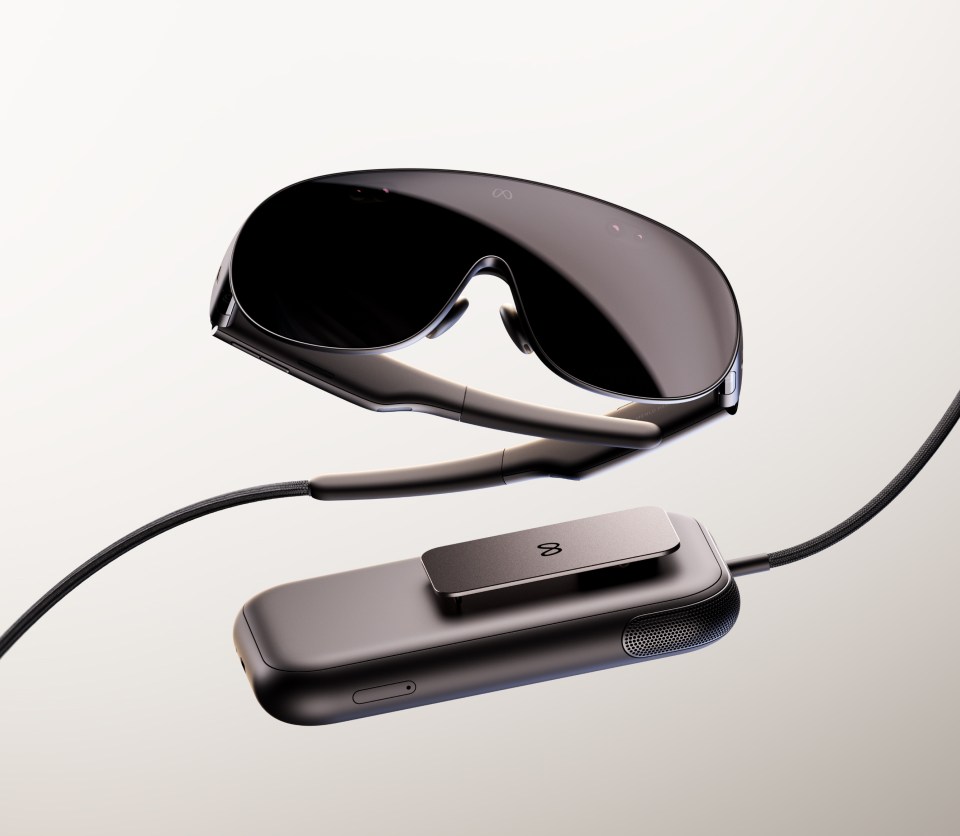

Quick answer for Meta Quest referral codes
A Meta Quest referral code may give a new headset buyer $30 in Meta Quest Store credit, depending on Meta’s eligibility rules. If you already plan to buy a Quest headset, the key is to use the referral before setup or purchase steps where Meta requires it.
A referral-code page should be useful in one glance. If you are buying a Meta Quest headset, the headset referral is the first link to check. If you already own a headset and are buying individual apps, app referral links may apply separately. The rules can vary by account, region, and Meta’s current program terms, so treat each link as an eligibility check rather than a guarantee.
Here is the PlayTechDeep Meta Quest headset referral link, written out so it is easy to copy: https://www.meta.com/referrals/link/vr_gogogo. If eligible, buying a Meta Quest through a referral can give you $30 in Meta Quest Store credit. No pressure; the normal Meta Store path is always fine too.
How to Use This Without Getting Annoyed
The practical flow is simple. First, decide whether you are buying hardware or an app. Second, open the matching referral link before you complete the relevant Meta purchase path. Third, read Meta’s on-screen eligibility message carefully. If Meta says the account or purchase does not qualify, do not force it; use the normal purchase page.
For apps, a referral can be useful when the game is already on your shortlist. It should not make you buy something you were not going to play. The best use is boring and practical: choose the app first, then check whether a referral discount is available.
One Page With All Codes
The updated referral hub keeps headset and app codes in one place, including Beat Saber, Batman: Arkham Shadow, The Thrill of the Fight 2, UNDERDOGS, Dungeons of Eternity, LEGO Bricktales, Arizona Sunshine 2, and more. Use the hub instead of hunting through individual reviews: Meta Quest referral codes hub.